
App Store app
Cleanor: Smart Phone Cleaner for iPhone app icon

Cleanor: Smart Phone Cleaner

Cleanor Research Labs L.L.C-FZ

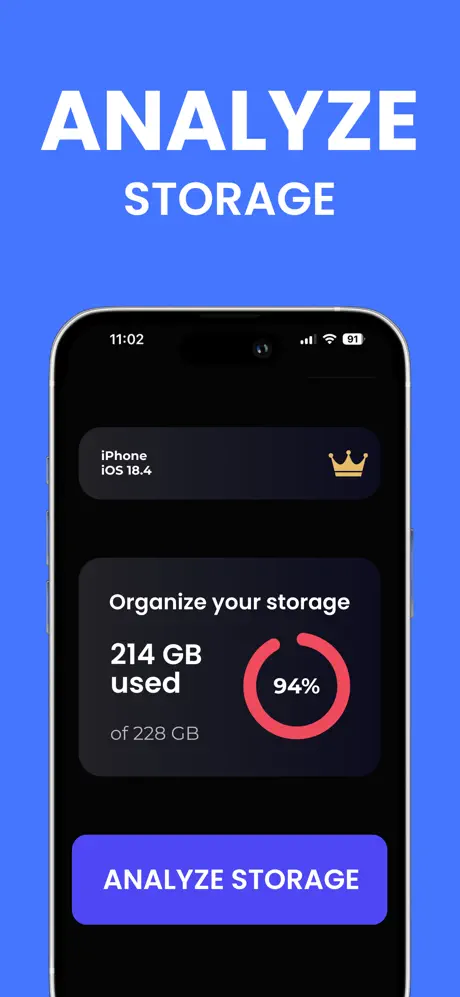
Recover iPhone storage with Smart Cleanup and Deep Analysis across duplicate and similar photos, heavy videos, contacts, and calendar clutter — plus a protected Vault for sensitive media.

Built for the jobs people actually need on the phone

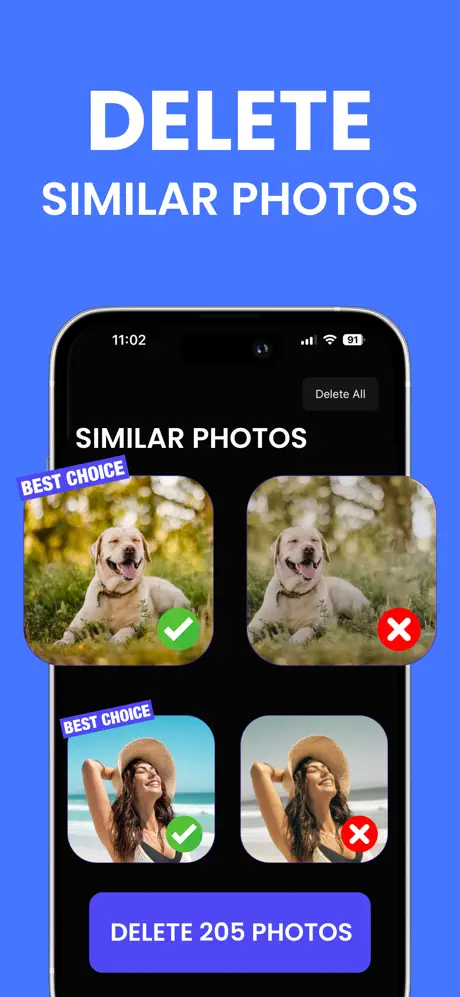
Cleanor: Smart Phone Cleaner is an on-device iPhone cleaner built around two engines: Smart Cleanup for obvious wins like exact duplicates, blurry shots, and stale screenshots, and Deep Analysis for the harder work of grouping visually similar photos and videos that a quick scan usually misses.

The App Store build keeps the workflow private: every scan runs locally with no file uploads or collection. You review results in a card-based Swipe Mode, filter by type (bursts, slo-mo, dark videos, screenshots, screen recordings), compress heavy videos with a clear space-savings estimate, and keep sensitive media inside an encrypted Vault protected by biometrics and PIN.

  • Deep Analysis surfaces visually similar photos and videos — not just exact duplicates
  • Swipe Mode turns cleanup into quick keep-or-remove card decisions
  • Advanced video compression shows estimated space savings before you export
  • Protected Vault with biometric and PIN security keeps sensitive media separate
  • Contact merging, calendar cleanup, and a device health dashboard live in the same app
  • Everything runs on-device — no uploads, no file collection

Clean photos with Smart Cleanup and Deep Analysis

Two scanning engines split the work between the obvious wins and the harder visual-similarity passes most cleaners skip.

  • Smart Cleanup flags exact duplicates, blurry shots, and stale screenshots
  • Deep Analysis groups visually similar photos and videos for best-shot review
  • Filter by type: bursts, slo-mo, dark videos, screenshots, and screen recordings

Review faster in Swipe Mode

A card-based review flow turns large cleanup passes into quick keep-or-remove decisions instead of long multi-select lists.

  • Swipe through grouped results one card at a time
  • Preview each asset before it leaves the library
  • Keep the best version and clear the rest in one pass

Shrink heavy videos with visible savings

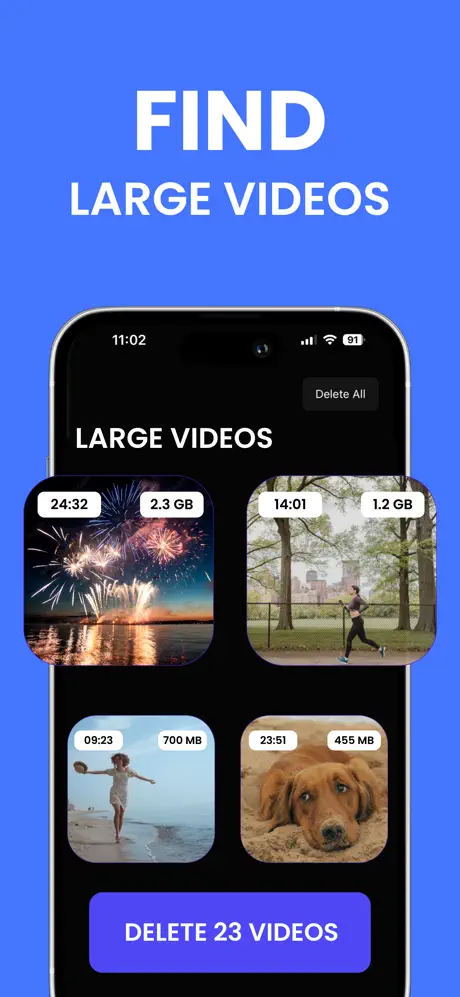
Advanced video compression targets the clips that eat the most space and shows what you would recover before anything is exported.

  • See estimated space savings per clip
  • Compress heavy videos without leaving the app
  • Pair compression with duplicate and similar-video cleanup

Keep sensitive media in a protected Vault

An encrypted Vault gives private photos and videos a separate place on the device, locked behind biometrics and a PIN.

  • Biometric and PIN protection on every unlock
  • Move sensitive media out of the main photo library
  • Backup support for the Vault alongside standard cleanup

Tidy contacts, calendar, and device health

Cleanor covers the smaller data messes that make the phone feel disorganized even when storage is not the headline problem.

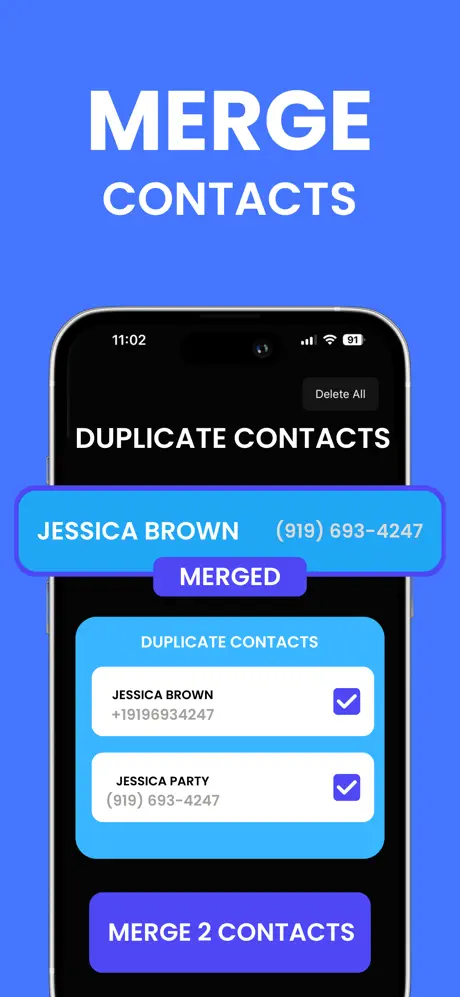
  • Merge duplicate contacts and remove incomplete entries
  • Clear older calendar events that no longer matter
  • Check a device health dashboard with widgets for quick status

Stay private with on-device processing

Every scan, preview, and cleanup pass runs locally — no file uploads, no collection, no cloud detour.

  • Scans camera roll, contacts, and calendar on the device
  • No media leaves the iPhone during cleanup
  • Email cleanup module is in development as a future addition
Guides

Useful next pages

These pages help people move from general interest into the specific cleanup job, question, or decision they actually have.

FeatureCleanor: Smart Phone Cleaner

Duplicate photos

Review repeated shots, keep the right version, and recover storage without chaotic manual scrolling.

Direct answerChecklist
FeatureCleanor: Smart Phone Cleaner

Similar photos

Handle burst shots and near-duplicates without deleting the best version by mistake.

Direct answerChecklist
FeatureCleanor: Smart Phone Cleaner

Duplicate videos

Find repeated downloads and duplicated clips before they quietly consume the largest share of device storage.

Direct answerChecklist
FeatureCleanor: Smart Phone Cleaner

Large videos

Prioritize the heaviest files first when storage is low and the camera roll is no longer the whole problem.

Direct answerChecklist
FeatureCleanor: Smart Phone Cleaner

Screenshots cleanup

Remove low-value screenshots, references, and old captures before they overrun the rest of the library.

Direct answerChecklist
FeatureCleanor: Smart Phone Cleaner

Duplicate contacts

Handle repeated contacts, messy imports, and bloated address books without turning cleanup into a manual audit.

Direct answerChecklist
Tools

Useful tools around this product

These utility pages cover the smaller jobs people often need before they install, export, share, or clean up content more deeply.

ToolPublishing

Bulk optimization

Optimize up to 10 browser-friendly images at once for websites, uploads, and lighter publishing.

ToolFormats

Image conversion

Convert common browser-friendly image formats without turning a quick export into a bigger workflow.

ToolPNG

PNG converter

Convert PNG to everyday image formats, or turn common formats back into PNG.