Free Browser Tools to Convert and Compress Files
Start with what people actually run
The six tools opened most often on cleanor.app over the last 90 days. Every one of them runs in the browser and needs no account.
Trim Transparent PNG
Remove transparent borders
Remove empty transparent borders from one PNG in the browser without rescaling the visible artwork.
APNG Optimizer
Shrink animated PNG files
Rebuild animated PNG files in the browser to reduce weight, merge duplicate frames, and cap frame rate.
Animated PNG Maker
Build animated PNG loops
Turn multiple PNG frames into one animated PNG in the browser with timing, loop, and framing controls.
WebP to MP4
Turn WebP into MP4
Convert animated WebP into MP4 for lighter sharing, embeds, docs, and support flows.
Image Transparency Checker
Check alpha and transparency
Check whether an image has transparency, review alpha stats, and preview the alpha mask locally.
PNG Outline Generator
Add PNG outlines
Add an outline around a transparent PNG for stickers, logos, icons, and transparent cutouts.
Put Cleanor where you already work
The same engine as the browser tools, inside your AI agent, your WordPress admin, your browser, and your canvas. All four are free and open source.
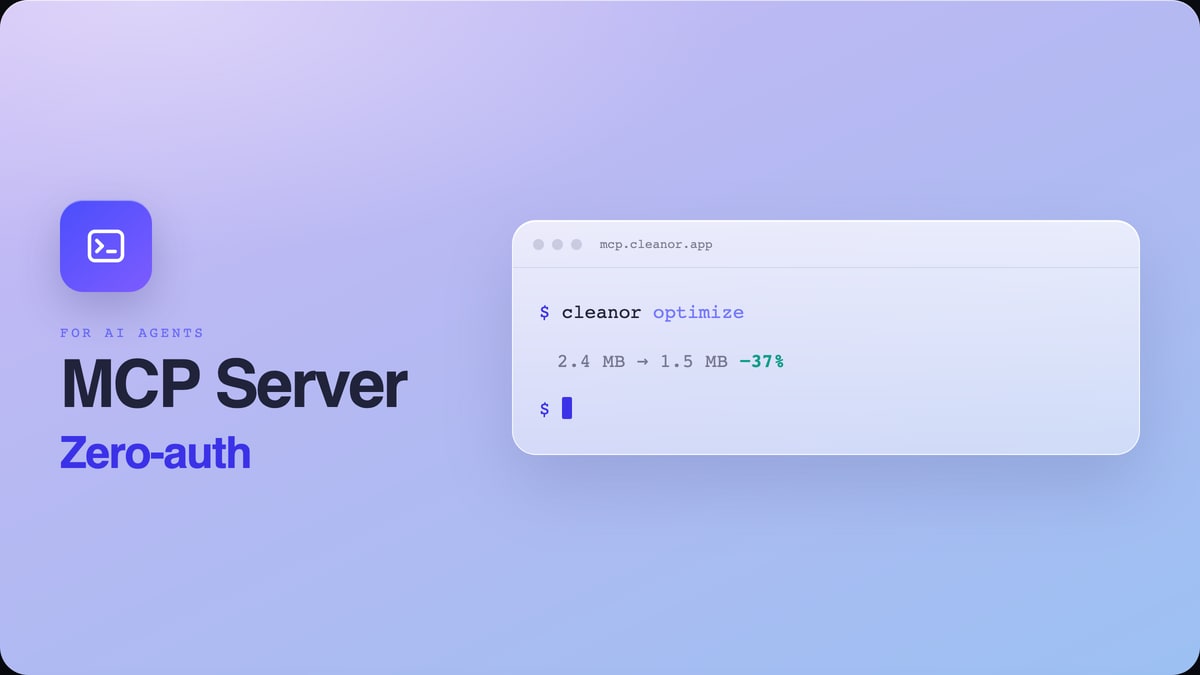
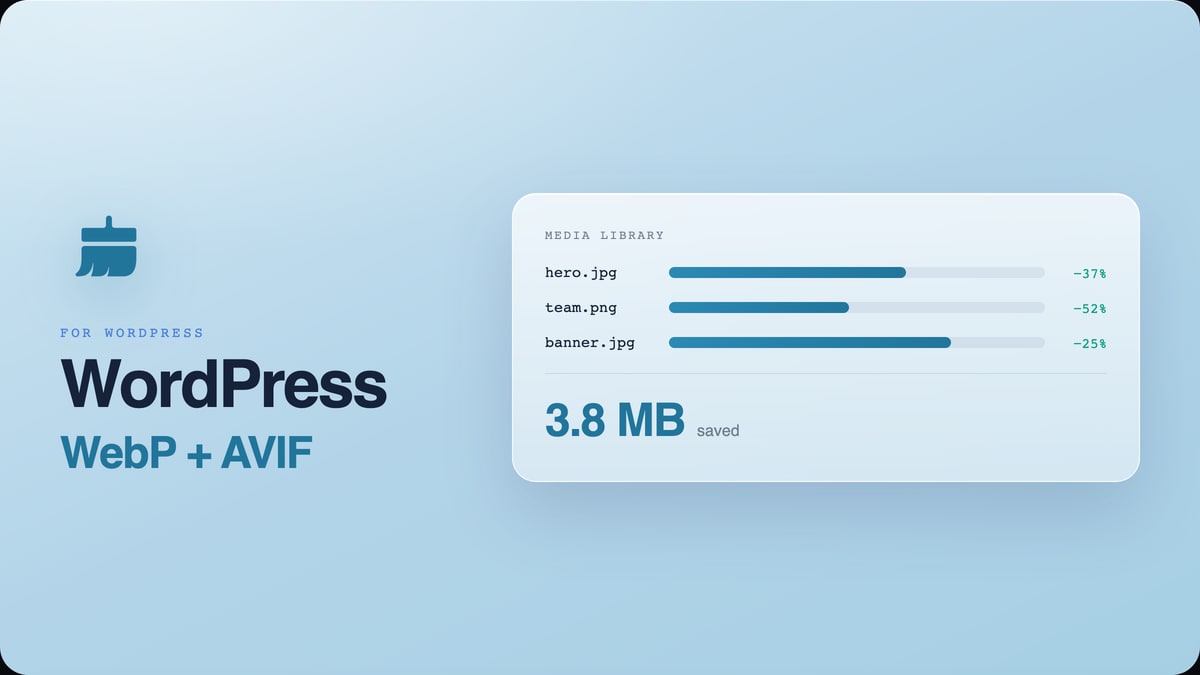
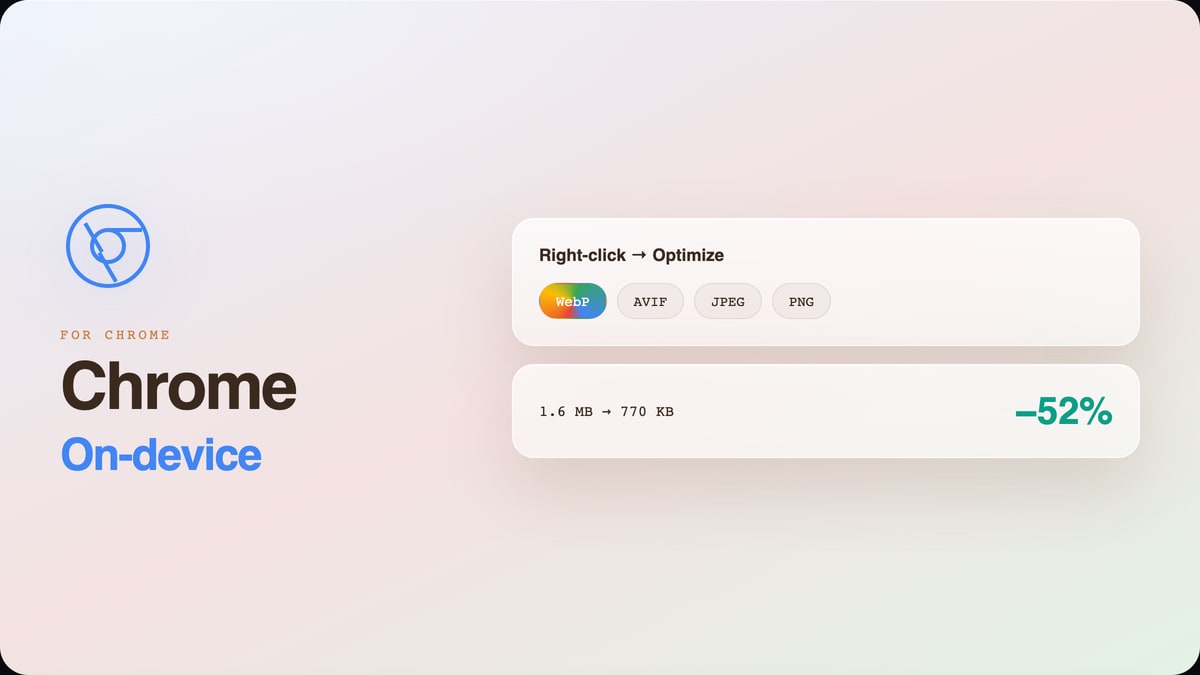
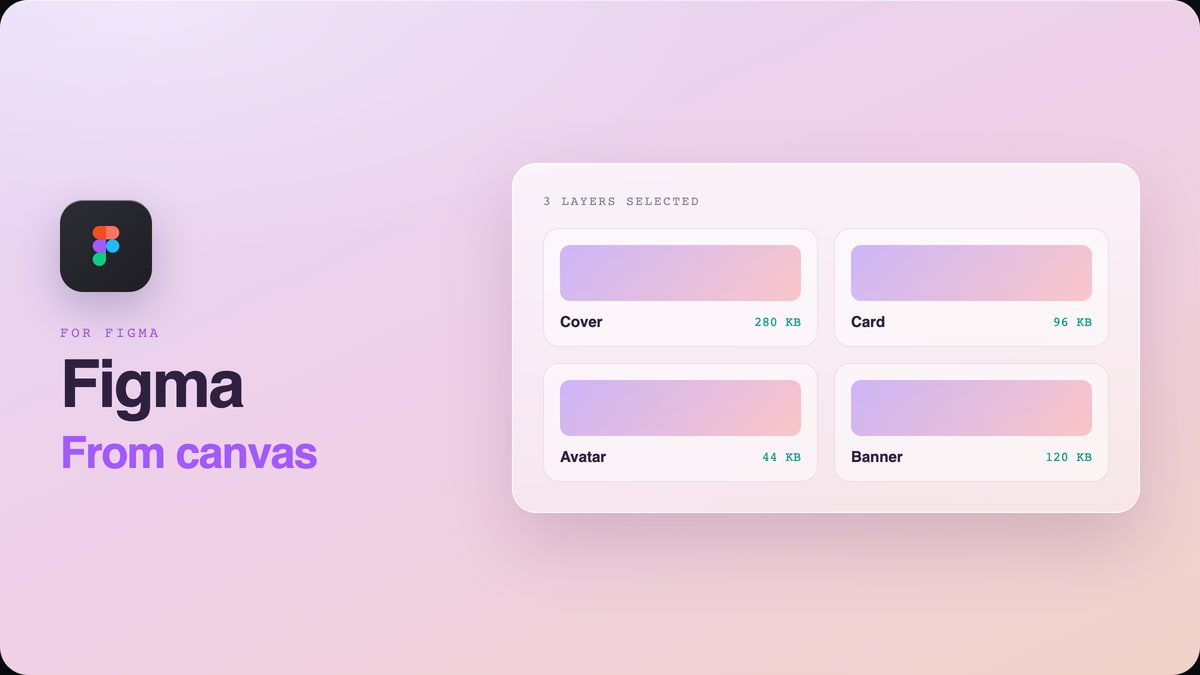
Numbers nobody else published
Original benchmarks and search-data studies from Cleanor Labs, each with a downloadable paper and an open dataset.
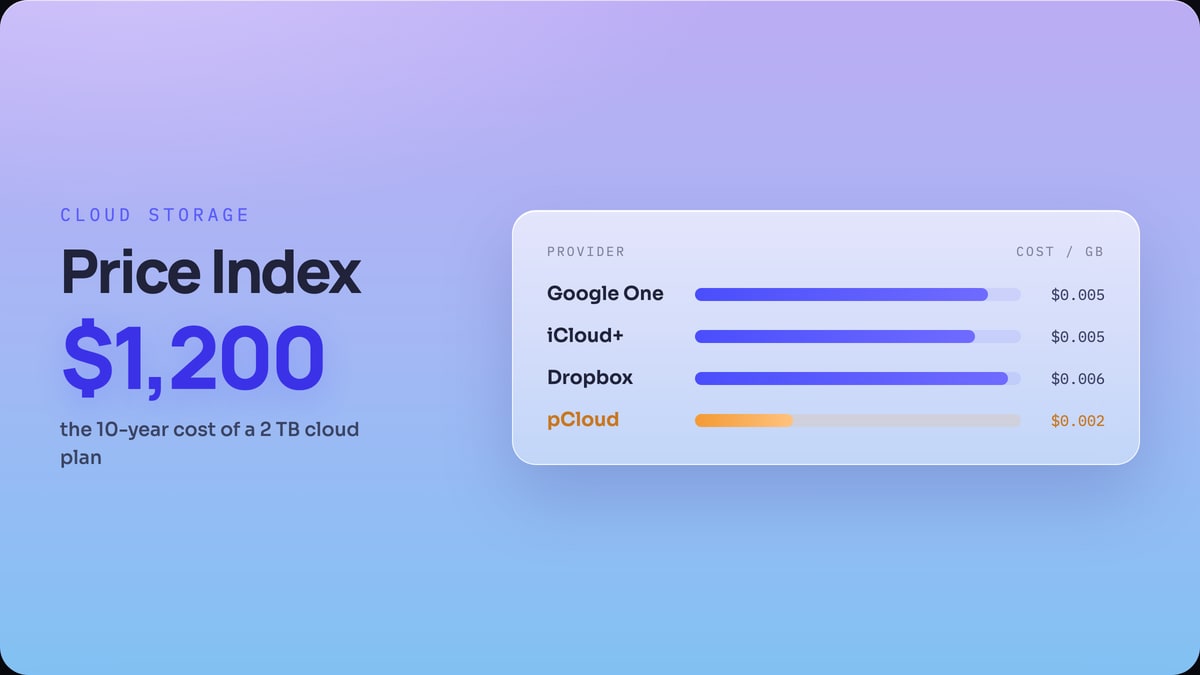 Pricing indexThe Cloud Storage Price IndexEvery major provider indexed by cost per GB. Storage is rent you pay forever, and the cheapest gigabyte is the one you delete.
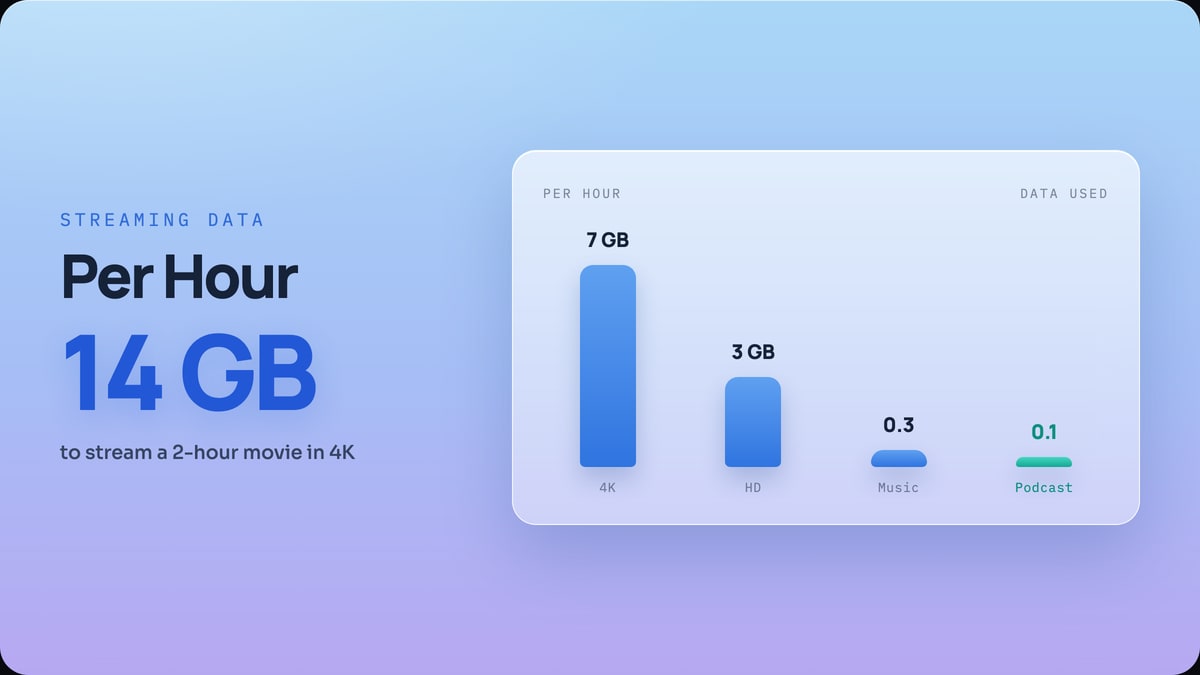 Data usage studyHow Much Data Does Streaming Use?Data per hour for Netflix, YouTube, Spotify and more, on one scale, with the audio numbers computed exactly from bitrate.
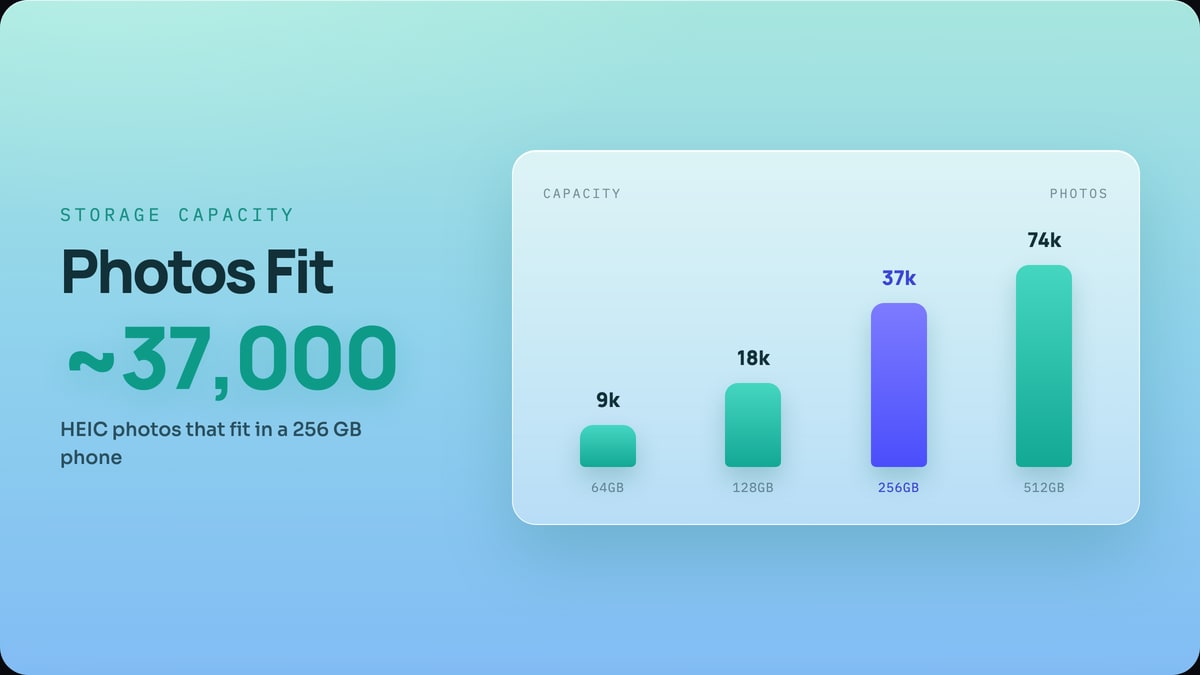 Storage capacity studyThe True Cost of a PhotoHow many photos and how much video actually fit in 64, 128, 256 and 512 GB, after the space your phone keeps for itself.
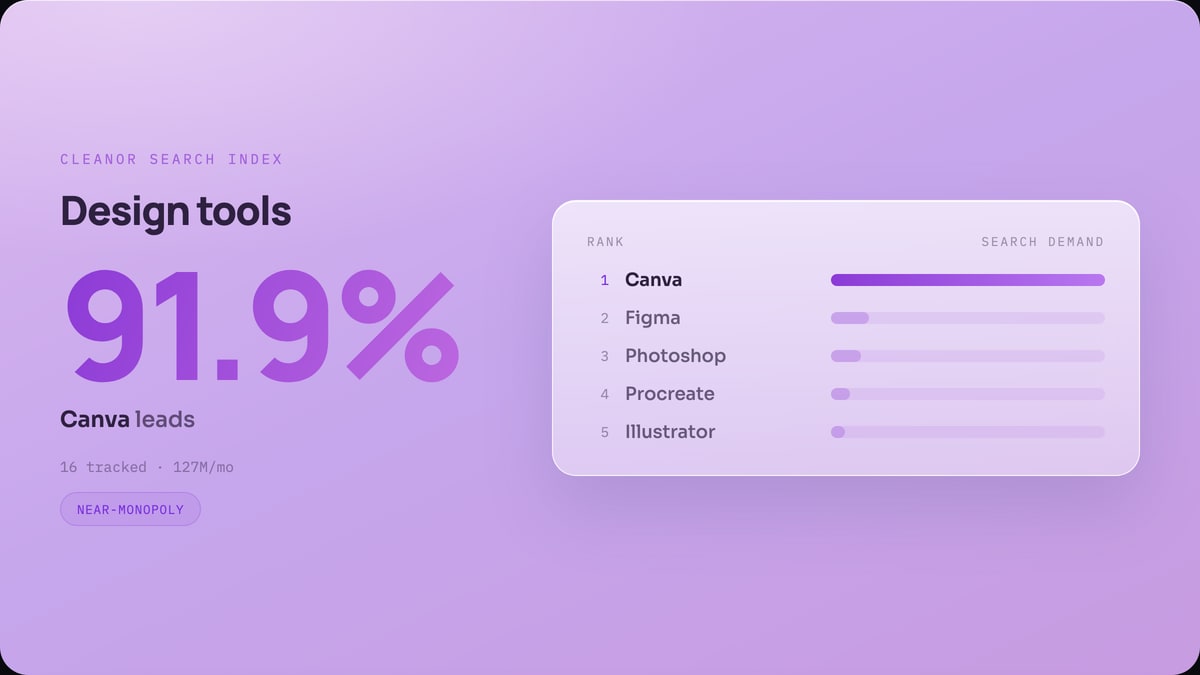
What the world is actually searching for
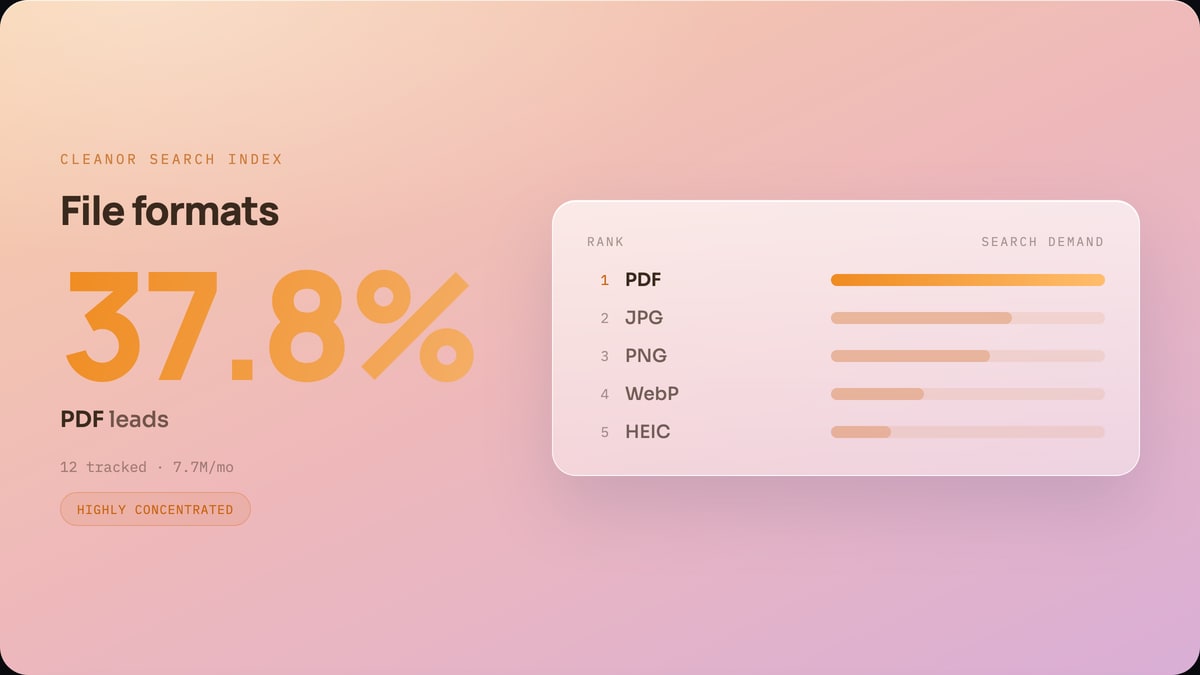
Monthly Google search demand for the tools, apps, and formats people argue about, ranked from real volume rather than opinion.

Do it all on your device
Cleanor puts these tools in one app: compress and convert images, video, and audio, work with PDFs, and scan text right on your device. Plus free up storage and clear inbox clutter with Email Cleaner. Start with a free trial.
- iPhone
- Android
- Macsoon
- Windowssoon
Frequently asked questions
Are the files I convert uploaded to a server?
No. The file tools run fully in your browser, so images, video, audio, and PDFs are processed on your device and never leave it. The AI workflow pages are the one exception and are labelled as such, because text is sent to a model to be rewritten.
Do I need an account to use the tools?
No. Every browser tool on cleanor.app opens and runs without a signup, a login, or a watermark.
What can Cleanor convert and compress?
Images (HEIC, JPG, PNG, WebP, AVIF, SVG, GIF, APNG, ICO), video (MP4, MOV, WebM, GIF), audio (MP3, WAV, AAC, M4A), and PDFs, plus resizing, cropping, metadata removal, and OCR.
Is Cleanor free?
The browser tools are free to use. Cleanor for iPhone is a separate app on the App Store for on-device cleanup of photos, duplicates, and large videos.
How many tools are there, and what are they for?
Over 600, and they all do one job each: convert an image, compress a PDF, trim an audio file, decode a JWT, check a passport photo size. There is no dashboard to learn and no upsell in the way. If a tool cannot do what you need, its page says so in plain terms rather than letting you find out after the upload.
How fast is it, really?
The work happens on your machine, so speed depends on your machine rather than on a queue. A photo converts in well under a second; a long video re-encodes in the time your own CPU needs. Nothing is waiting for a server, which is also why there are no limits on how many files you run.
What is the catch with browser-based tools?
A real one, and it is worth knowing: very large files are limited by your browser's memory, not by us. A 4K video of an hour will struggle where a desktop app would not. Everything else, images, documents, audio, text, runs comfortably.
Do you have data to back the recommendations?
Yes, and it is published. Our own benchmarks say AVIF lands about 37 percent below JPEG at matched quality and about 52 percent below it on photographs, and that converting a HEIC photo to JPG roughly doubles its size. Every study is on the Research page with its method and its dataset.