Compress with a target size
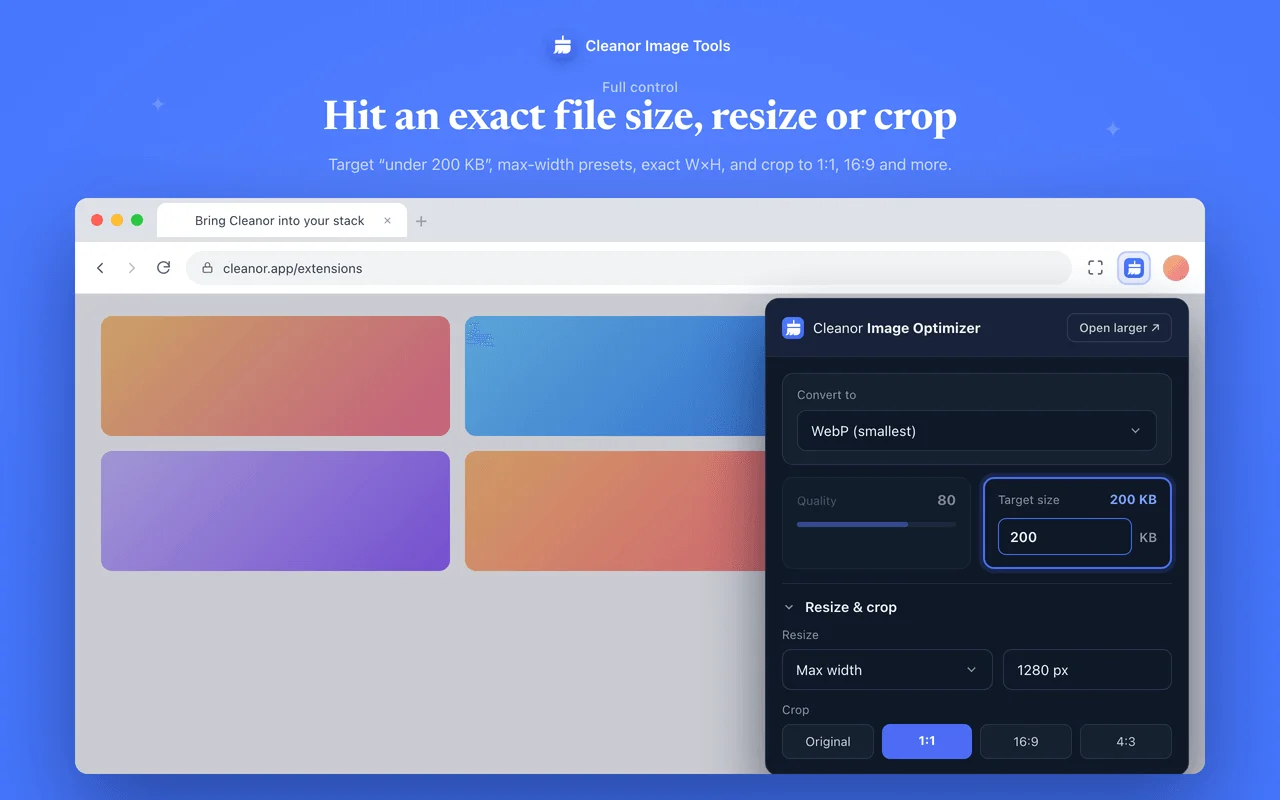
Shrink files by up to 90% with a quality slider, or set an exact goal like "under 200 KB" and let Cleanor find the best quality. Every result shows what you saved.
Chrome extensions Image Optimizer
To compress or convert an image in Chrome, install this extension, drop the file in, and pick a format or an exact target size. It opens iPhone HEIC photos, exports WebP, AVIF, JPEG, PNG and PDF, and strips EXIF and GPS metadata on every re-encode. Everything happens on your device and nothing is uploaded.
A fast, private image toolkit in your toolbar. Compress and convert images (HEIC, AVIF, WebP, PDF), resize and crop, take full-page screenshots, and save every image on a page. Everything runs on your device, nothing is uploaded.
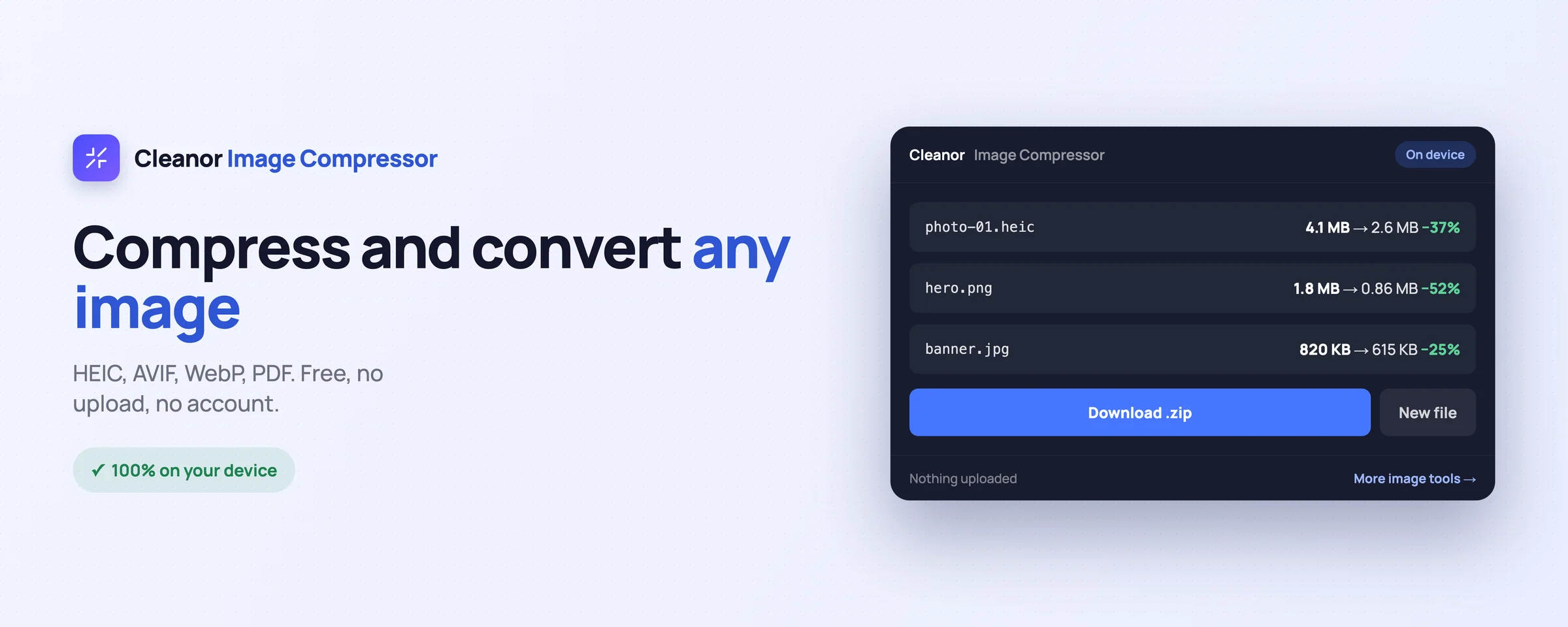
Everything you would juggle across websites, done locally in a couple of clicks.
Shrink files by up to 90% with a quality slider, or set an exact goal like "under 200 KB" and let Cleanor find the best quality. Every result shows what you saved.
Export to WebP, AVIF, JPEG, PNG, or PDF. Open iPhone HEIC and AVIF photos and save them as universal files. Doubles as an offline HEIC-to-JPG and WebP converter.
Resize by max width, exact WxH, or percentage with one-tap presets (4K, 1920, 1280, 800). Crop to 1:1, 4:3, 3:2, 16:9, or 9:16 for avatars, thumbnails, and posts.
Add many images by drag-and-drop, file picker, or paste, then download them all as a single ZIP, or combine them into one multi-page PDF.
Right-click a picture on any page and pick WebP, AVIF, JPEG, PNG, or PDF. It downloads instantly with no extra window, or copies straight to your clipboard.
Right-click a page to "Download all images" as one tidy ZIP, or "Convert all images" to compress a whole page into a single archive, named correctly by type.
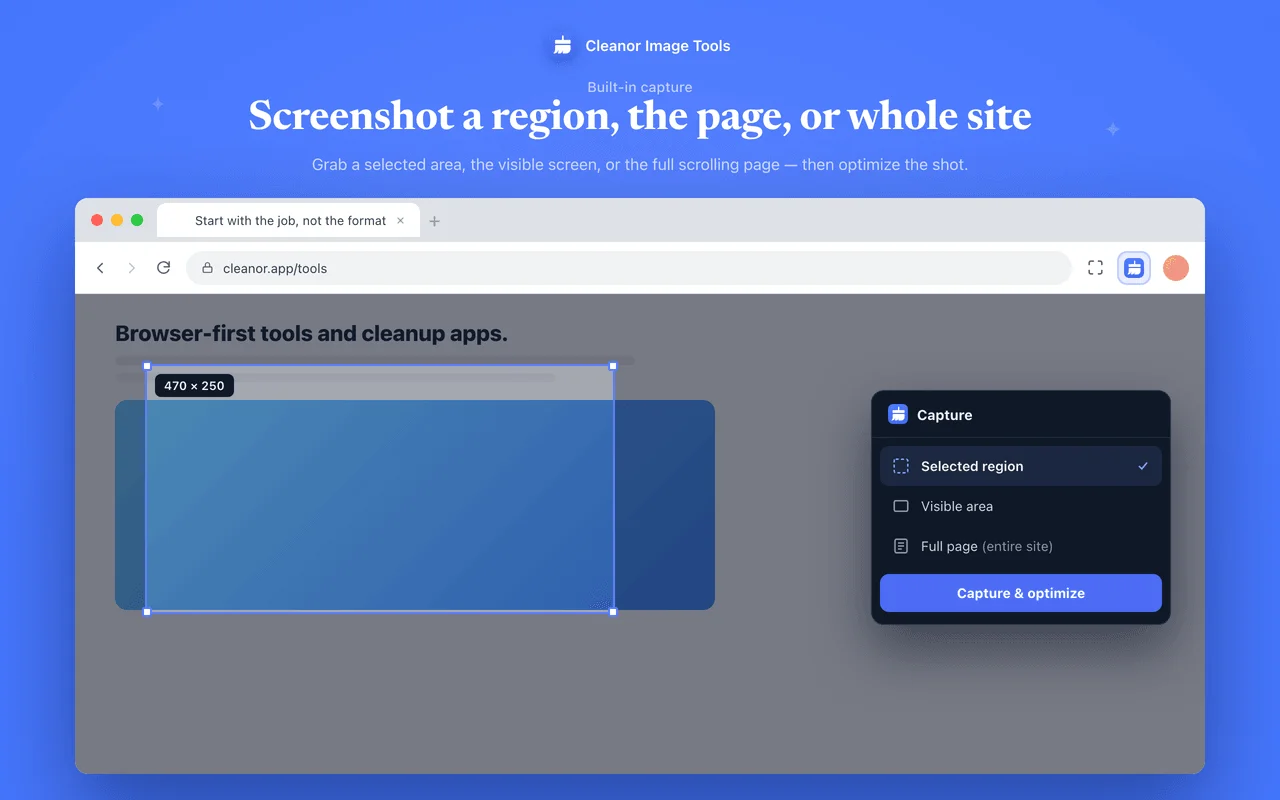
Capture the visible area, a region you draw, or the full scrolling page (Cleanor stitches it for you). No screen recording, no debugger permissions.
Nothing is uploaded and no account is needed. EXIF, GPS, and camera metadata are stripped on every conversion. No ads, no tracking, and it works offline.
Swipe, or scroll sideways. Every shot is the real interface, not a mock-up.
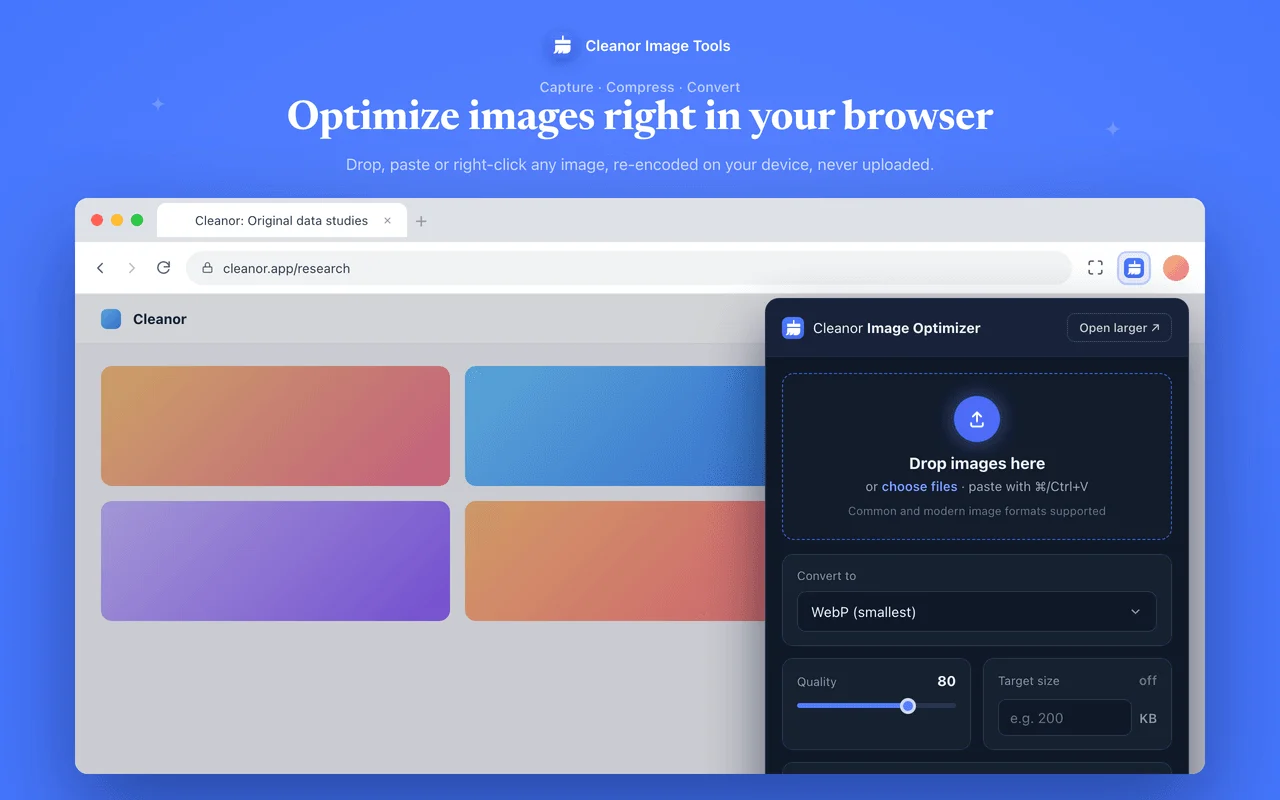
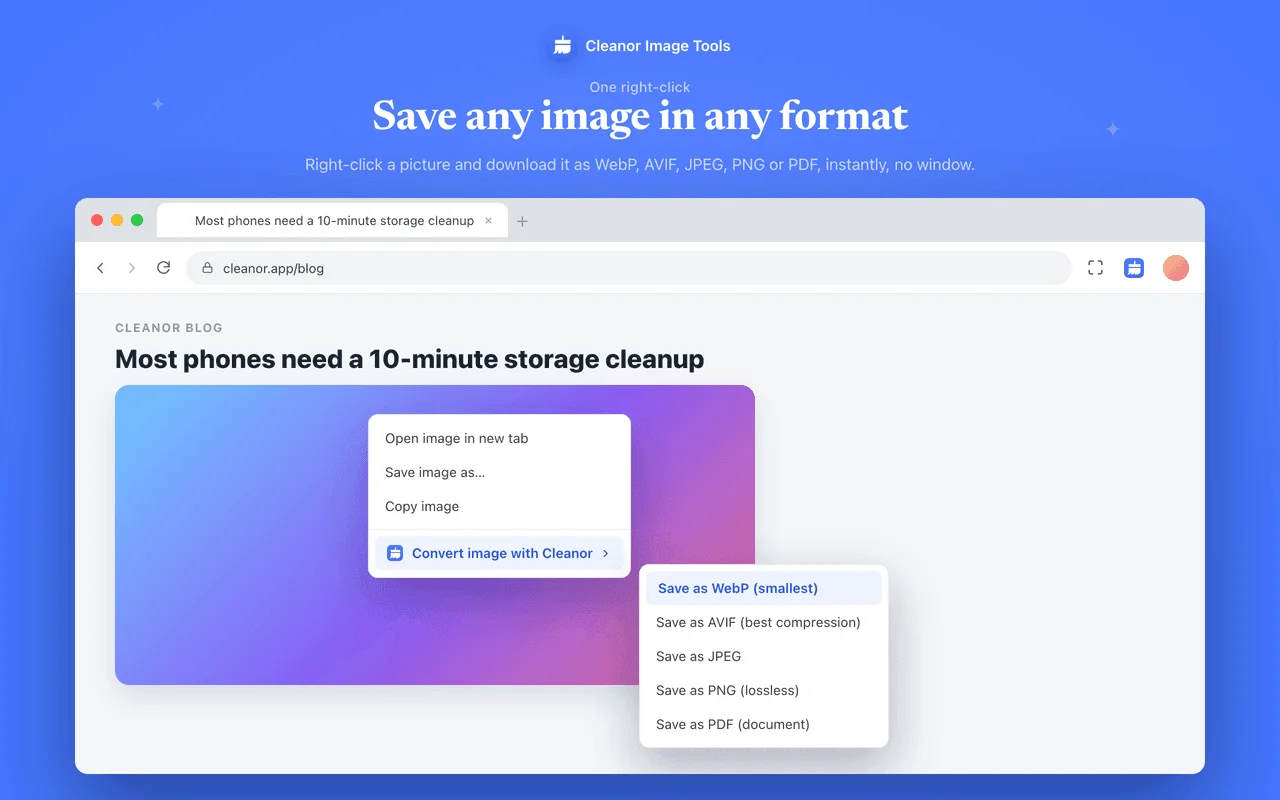
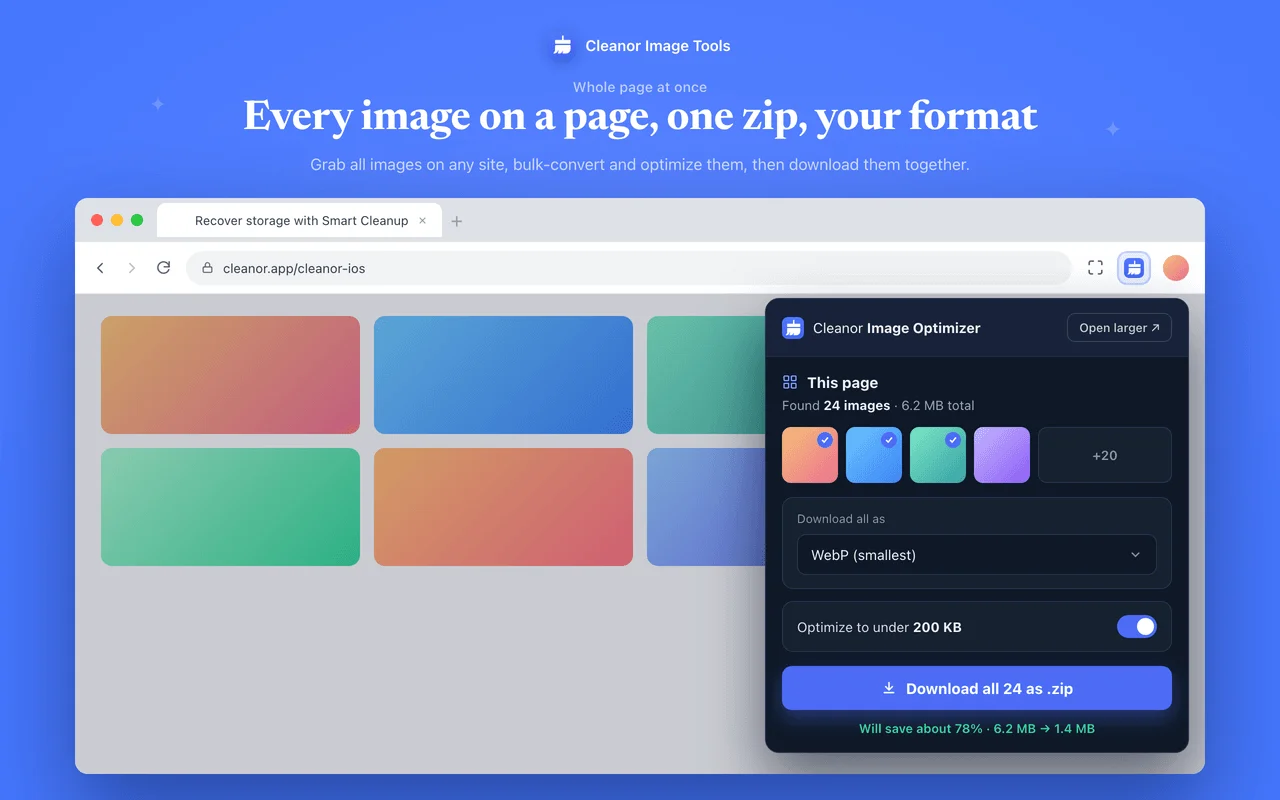
No onboarding, no account. Install it and use it straight away.
Install Cleanor from the Chrome Web Store. No sign-up, no setup, and it asks for no site access at install.
Open the popup and drop an image, paste from the clipboard, or right-click any picture or page on the web.
Pick a format, target size, or crop, then download the result, a ZIP, a PDF, or a screenshot. All on your device.
The permissions are on the store listing too. They are here because a list you have to go and find is not transparency.
Not “we promise not to use it”. It is not in the manifest, so the browser would not give it to us if we changed our minds.
Every tool has an edge. Knowing where it is beats finding out halfway through a job.
Everything runs in your tab, so a 100 MB image can exhaust the memory the browser gives a page. That is the price of not uploading it to anyone.
This converts files you have. If you want images optimized automatically as a site serves them, that is what the WordPress plugin is for.
No CDN, no server-side resizing, no dashboard of what you optimized last month. There is no server to keep any of that on.
Cleanor's image engine runs the same way everywhere: on your device. This Chrome extension is one of several free, open-source Cleanor add-ons, alongside the MCP server, the WordPress plugin, and the Figma plugin.
No. Every image is processed on your own device inside your browser, using its encoder plus small bundled WebAssembly codecs for AVIF and HEIC. Nothing is ever sent to a server.
Yes. Open HEIC or HEIF files and save them as JPG, PNG, or WebP that opens on any device. It works as a reliable, offline HEIC-to-JPG converter.
WebP, AVIF, JPEG, PNG, and PDF. You can also combine several images into a single multi-page PDF.
Yes. Once installed, compression, conversion, resizing, cropping, and screenshots all work without an internet connection.
Yes. EXIF, GPS, and camera metadata are stripped automatically whenever an image is re-encoded, which is better for your privacy.
Yes. There is no sign-in, no subscription, and no ads. The full extension source is on GitHub.
Free and open source. Add Cleanor Image Optimizer to Chrome and try it in seconds.