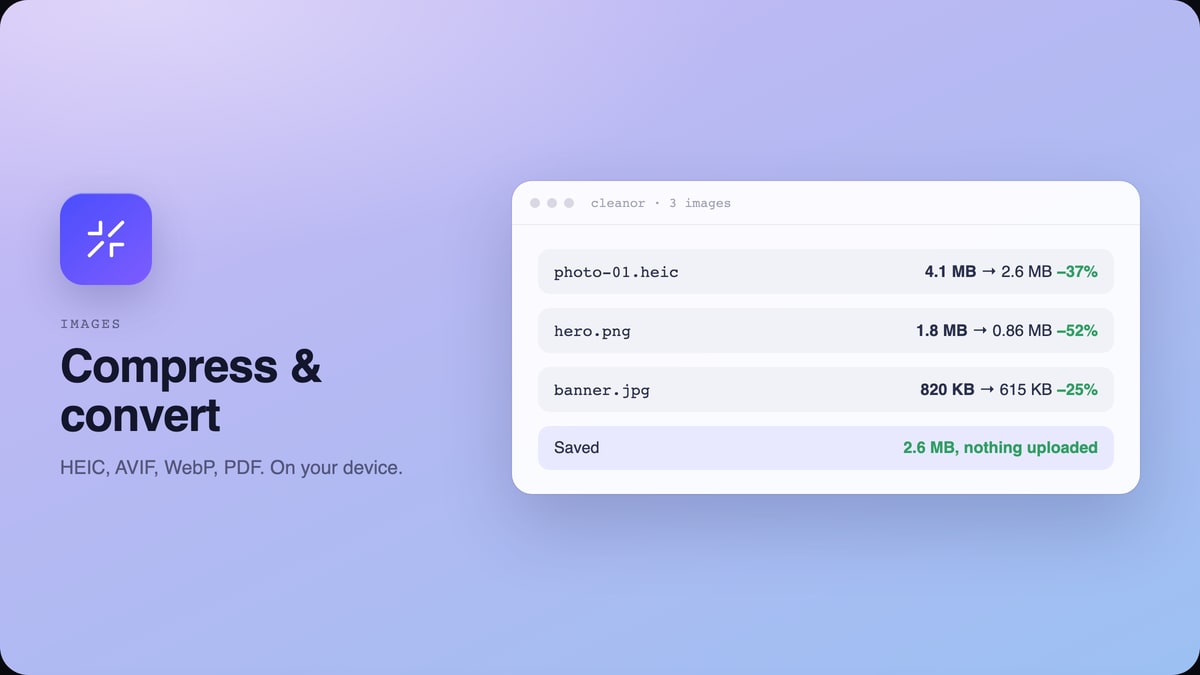
 Images
Compress and convert images, and capture pages, without uploading anything.
Compress and convert images in Chrome: HEIC to JPG, JPG to WebP or AVIF, images to PDF. Resize, crop, hit an exact size. Free, on device, nothing uploaded.
 QR codes
Turn a page, a link, your Wi-Fi or a contact into a scannable code.
Generate a QR code in Chrome for the page you are on, a Wi-Fi network, a contact card, an event or a link. Free, on your device, no account and no tracking.
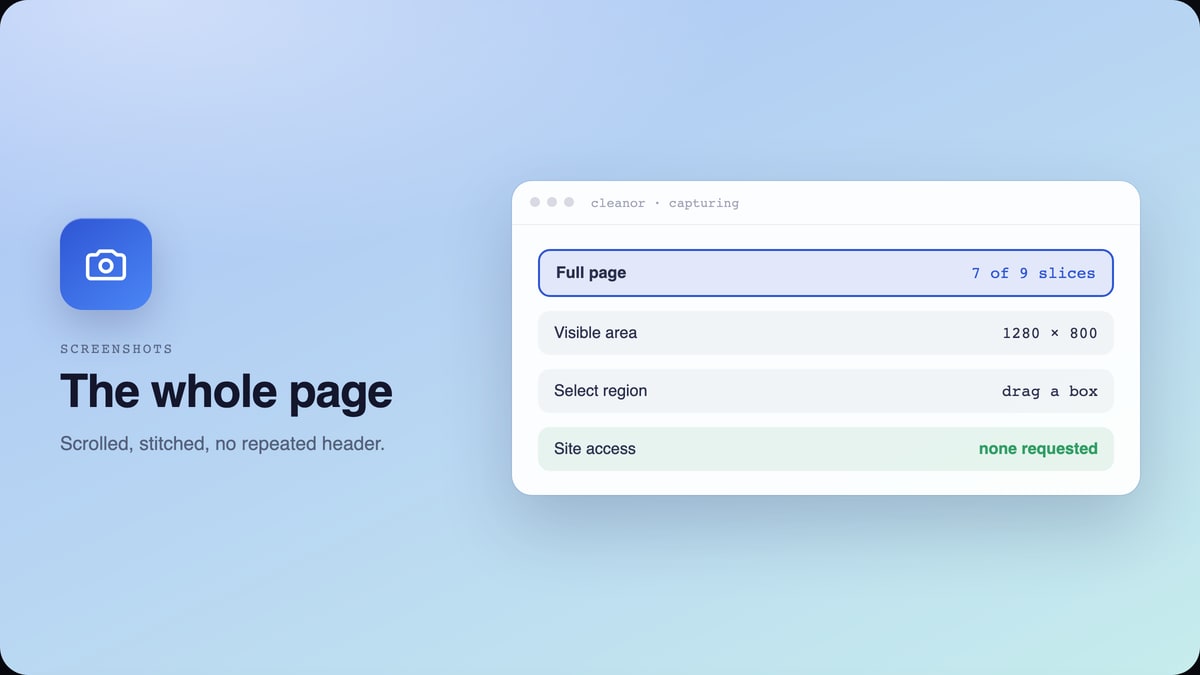 Screenshots
Capture the whole scrolling page, the visible area, or a region you draw.
Take a full page screenshot in Chrome: the entire scrolling webpage, the visible area, or a region you draw. Free, no watermark, and no site access.
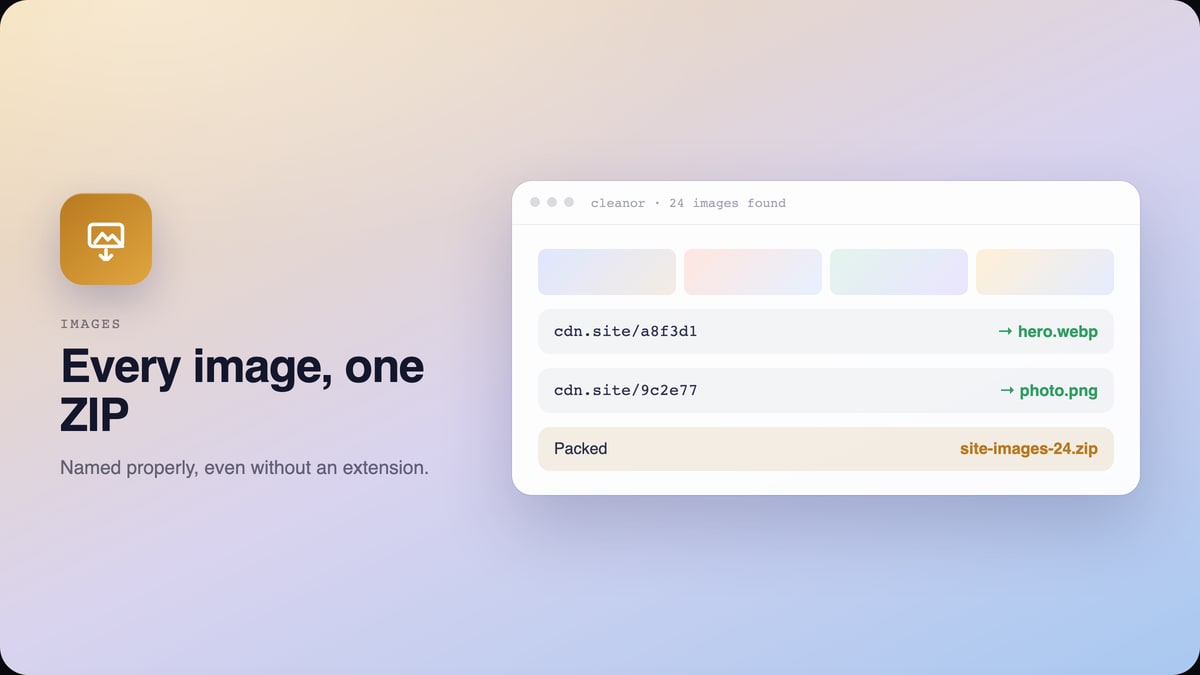 Images
Save every image on a page as one ZIP, named properly.
Download all images from a website in one click. This bulk image downloader for Chrome saves every image on the page as one ZIP, named properly, on your device.
 GIF
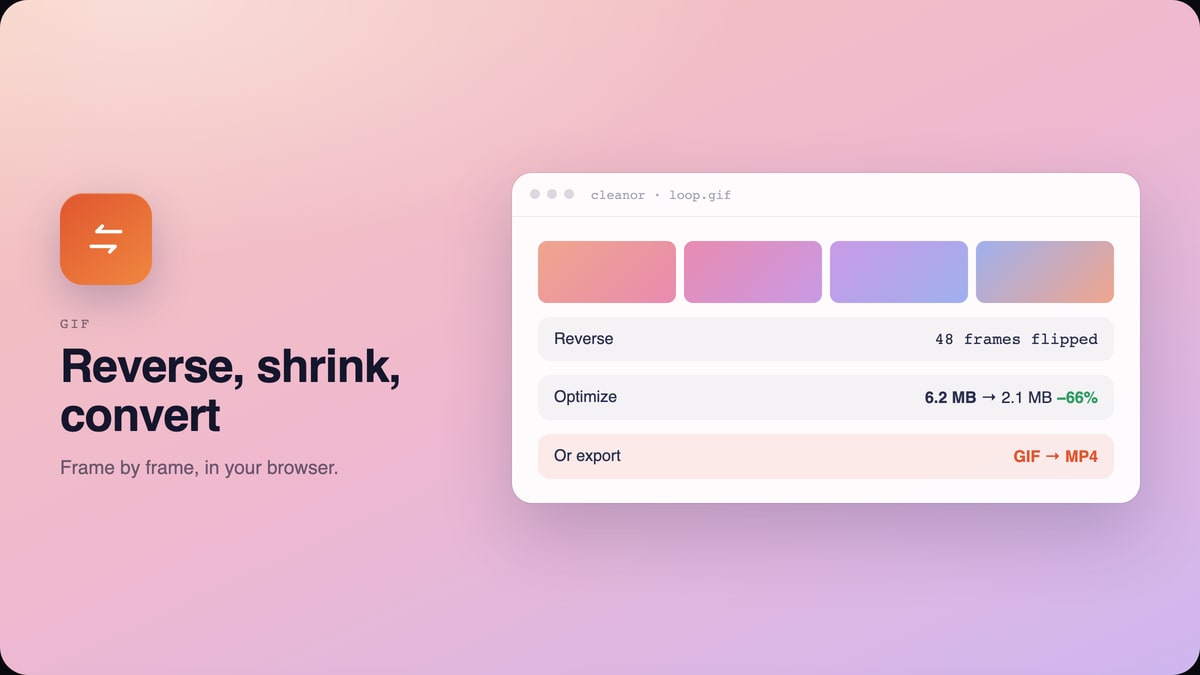
GIFReverse a GIF, shrink it, change its speed, or turn it into an MP4.
Compress a GIF and reduce its file size in Chrome, or reverse it, change its speed, or convert it to MP4. Free, on your device, no upload and no watermark.
 ColoursIn review
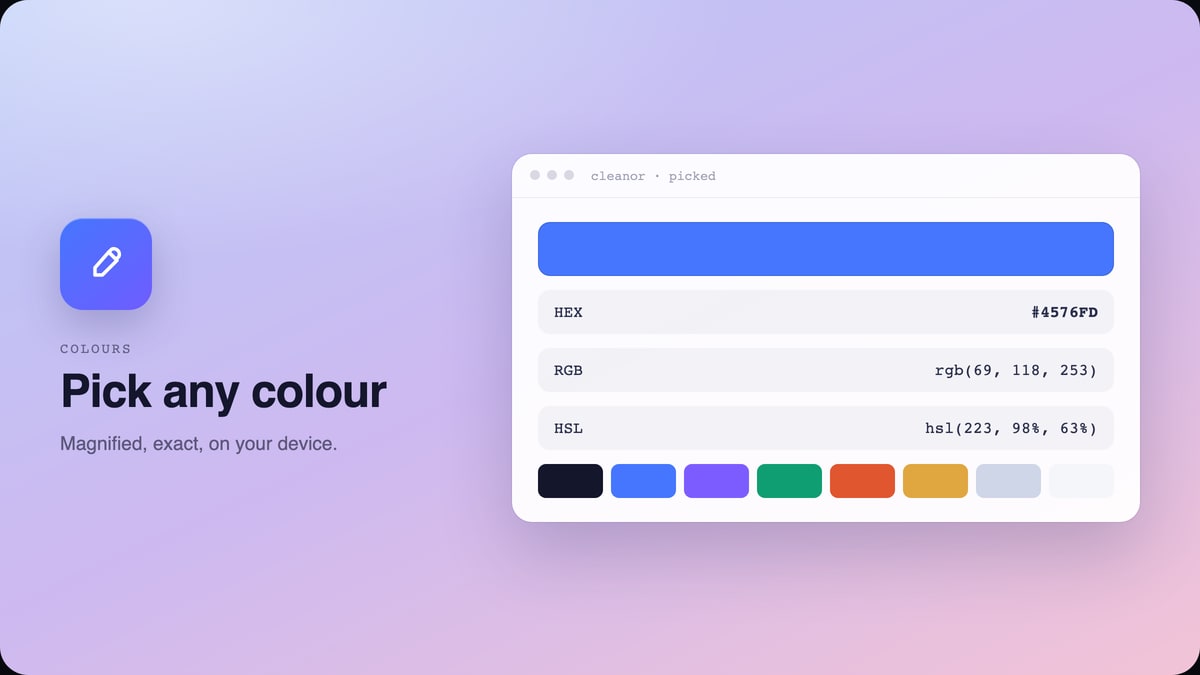
Pick any colour on any page with a magnified eyedropper, and copy it.
Pick any colour on any web page with a magnified eyedropper, copy it as HEX, RGB or HSL, and pull the page palette. Free, on your device, no site access.
 VideoIn review
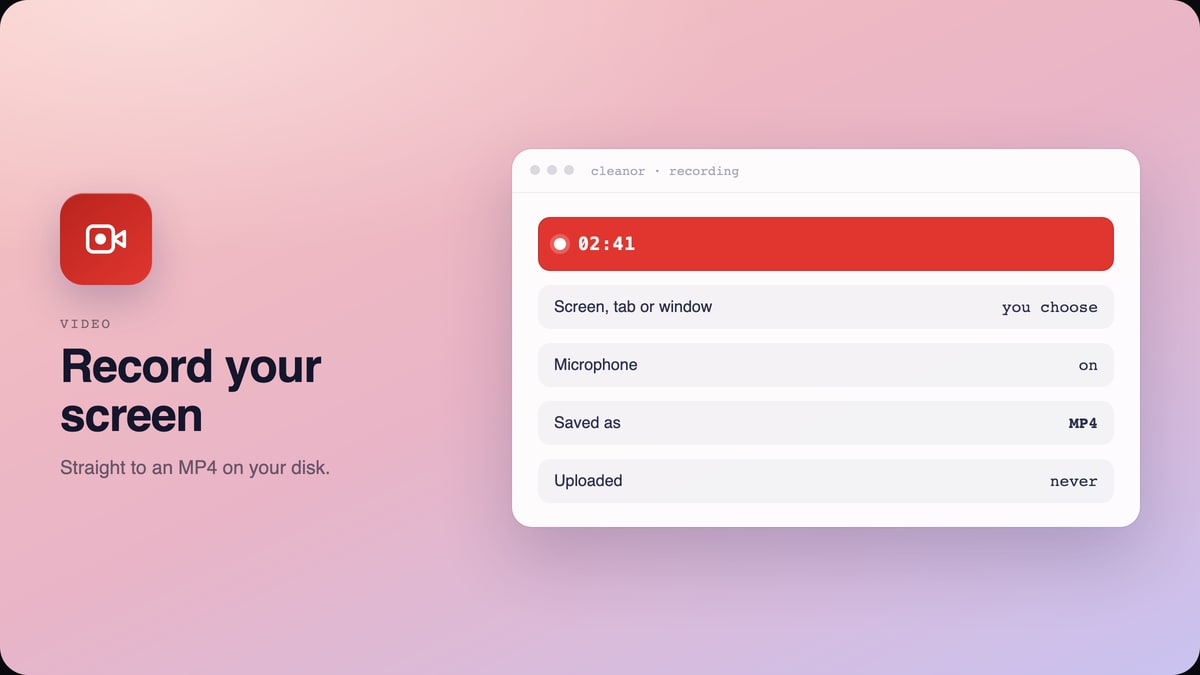
Record your screen, a tab or a window, and keep the MP4.
Record your screen, a tab or a window in Chrome and save the MP4 to your disk. Free, no account, no upload, no watermark and no time limit.