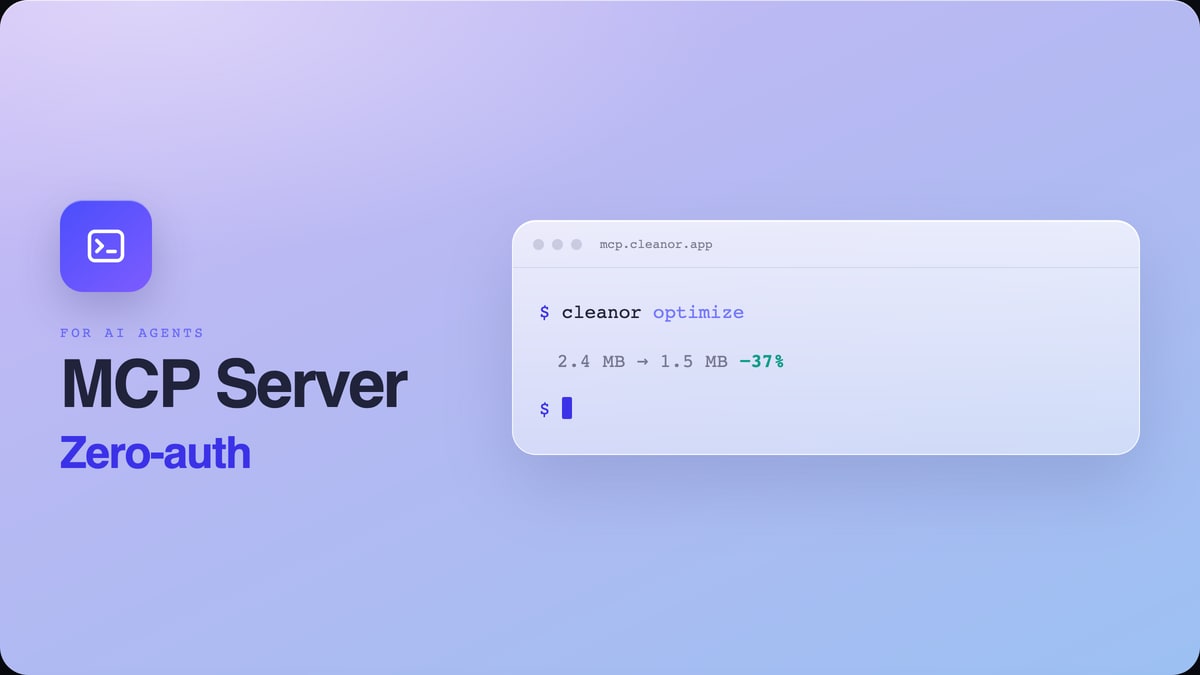
 For AI agents
MCP Server
Zero-auth Model Context Protocol server
Let AI agents optimize and convert images, pull cited data on storage and image formats, generate QR codes, and run the deterministic dev utilities LLMs get wrong. No API key.
The same private, browser-first image engine behind the Cleanor tools, packaged as four free, open-source add-ons: a zero-auth MCP server for AI agents, a WordPress plugin, a Chrome extension, and a Figma plugin.
For AI agentsZero-auth Model Context Protocol server
Let AI agents optimize and convert images, pull cited data on storage and image formats, generate QR codes, and run the deterministic dev utilities LLMs get wrong. No API key.
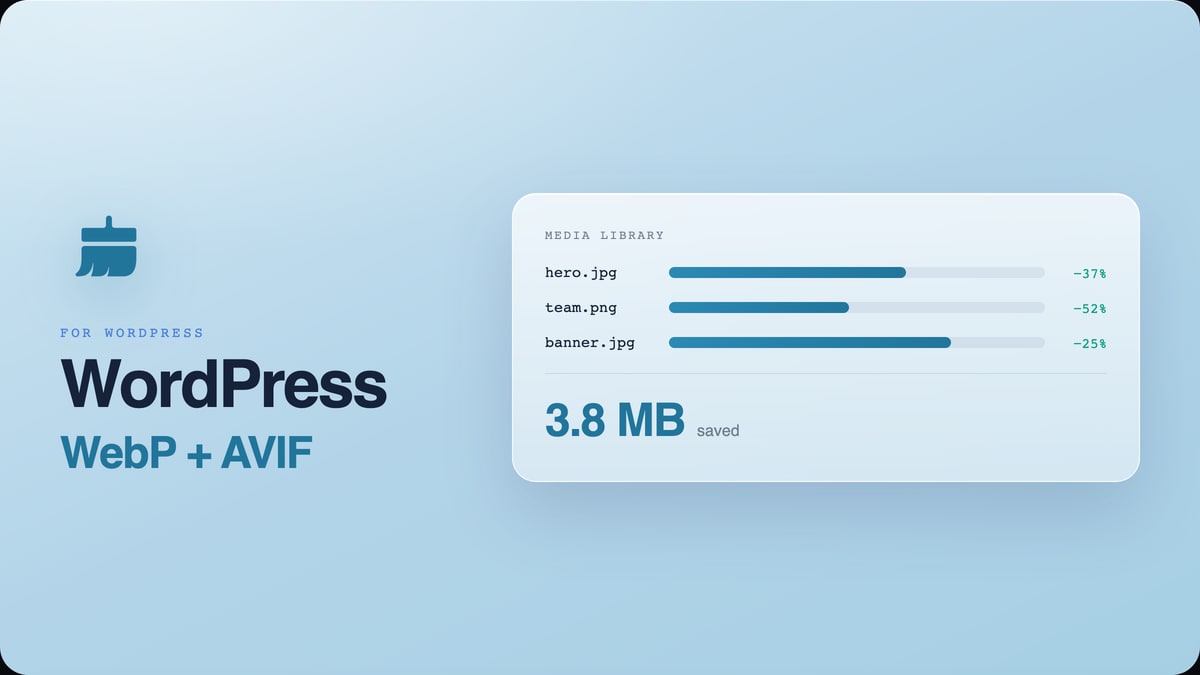 For WordPress
Cleanor Tools image optimizer
Auto-convert your Media Library to WebP and AVIF for faster pages and better Core Web Vitals. Bulk optimizer, savings column, restore originals, and compression presets. No account, no credits.
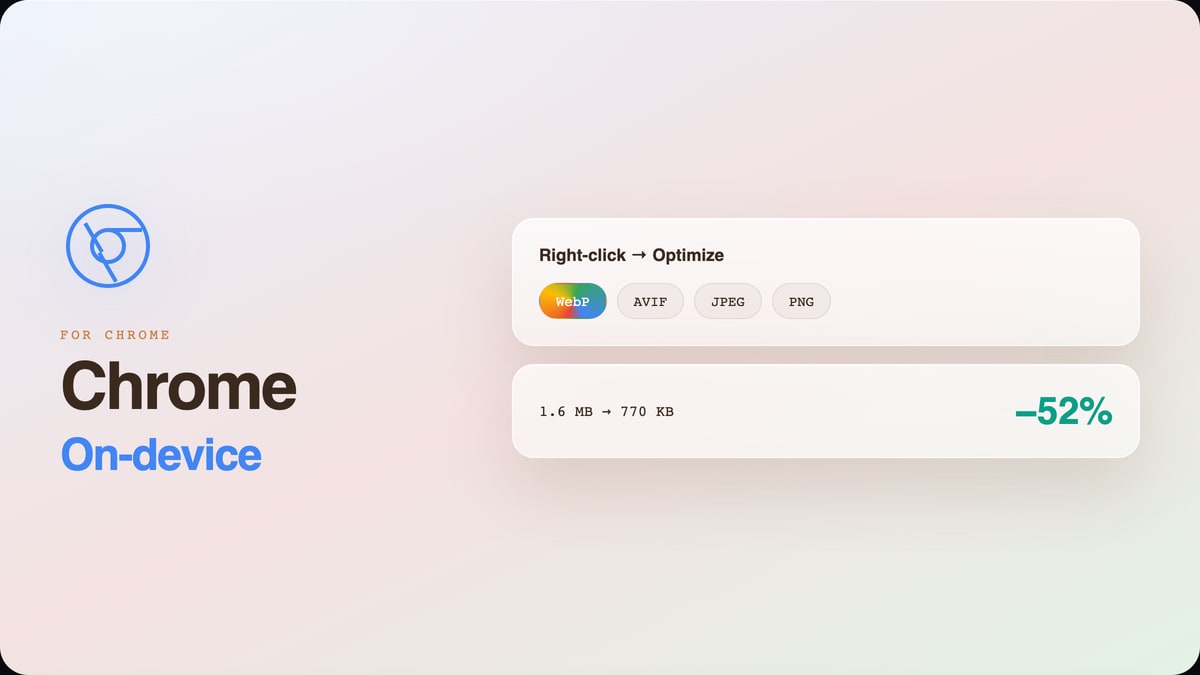 For Chrome
Compress and convert in your browser
Drag in an image or right-click any image on a page to compress and convert it to WebP, AVIF, JPEG, or PNG. Everything runs locally on your device: files never leave the browser.
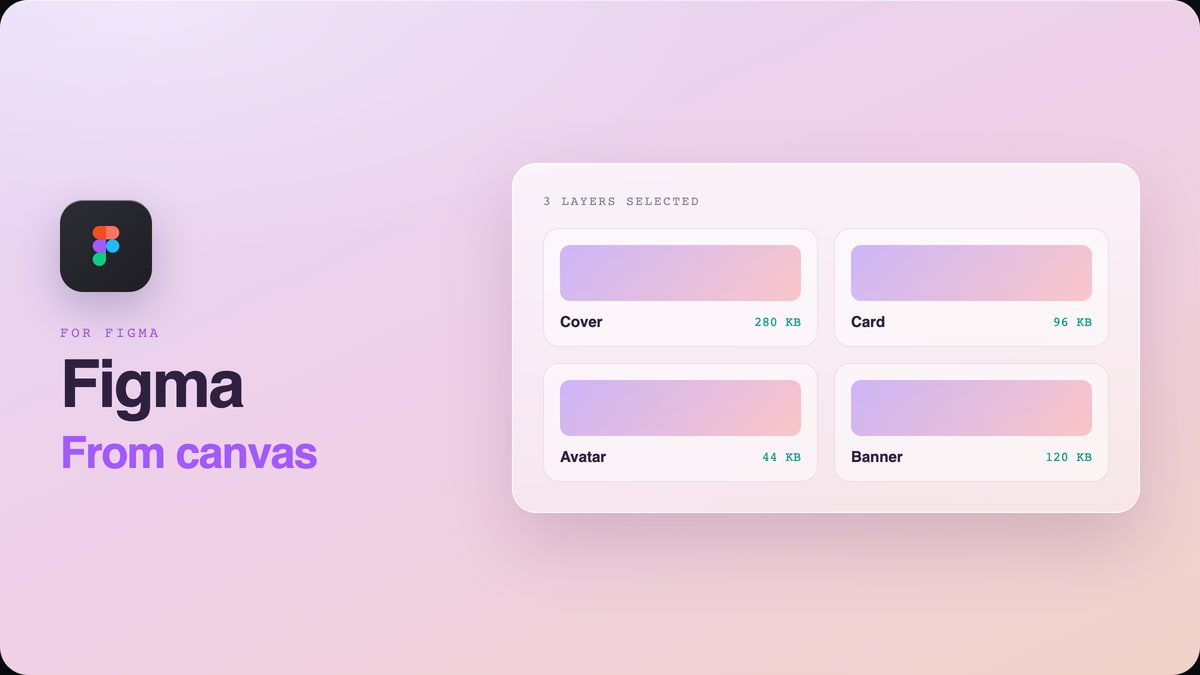 For Figma
Compress and export from the canvas
Select any layers and export smaller WebP, JPEG, or PNG assets without leaving Figma. Everything runs locally, so your designs never leave the canvas.
Every add-on runs the same optimizer. Pick by where you work.
Cleanor's image engine also ships as an npm library you can drop into your own app. Everything lives under one GitHub organization with MIT and GPL licenses.
Yes. All three are free and open source under MIT or GPL licenses. The hosted MCP server and the WordPress plugin need no account and no API key on the default endpoint.
The Chrome extension processes images fully in your browser, so files never leave your device. The WordPress plugin and MCP server send images to the Cleanor endpoint only to be re-encoded, and return just the optimized bytes. Nothing is retained and no account is required.
WebP, AVIF, JPEG and PNG across the tools. AVIF gives the smallest files; WebP is the safest default for broad browser support.
Yes. The MCP server and the WordPress plugin can point at your own endpoint, and every package is open source on GitHub, so you can run or audit the whole stack yourself.
On our own benchmark, AVIF lands about 37 percent below JPEG at matched visual quality, and about 52 percent below it on photographs specifically. WebP sits around 25 percent below JPEG. The exact number depends on the image: flat graphics compress differently from photos.
No. mcp.cleanor.app is public and zero-auth, which is unusual and deliberate: an AI agent that has to stop and ask for a key is an agent that does not use the tool. There is a daily spend cap behind it, which is the honest reason it can stay free.
Only if you tell it to. The default keeps your original file and serves the optimized version through a <picture> element, so nothing is destroyed. The replace mode overwrites, and it says so before it runs.
The Chrome extension if you are optimizing images by hand and want them to stay on your machine. The WordPress plugin if the images live in a media library. The MCP server if an AI agent is generating them. They share the same encoding engine, so the output is the same either way.