QR the page you are on
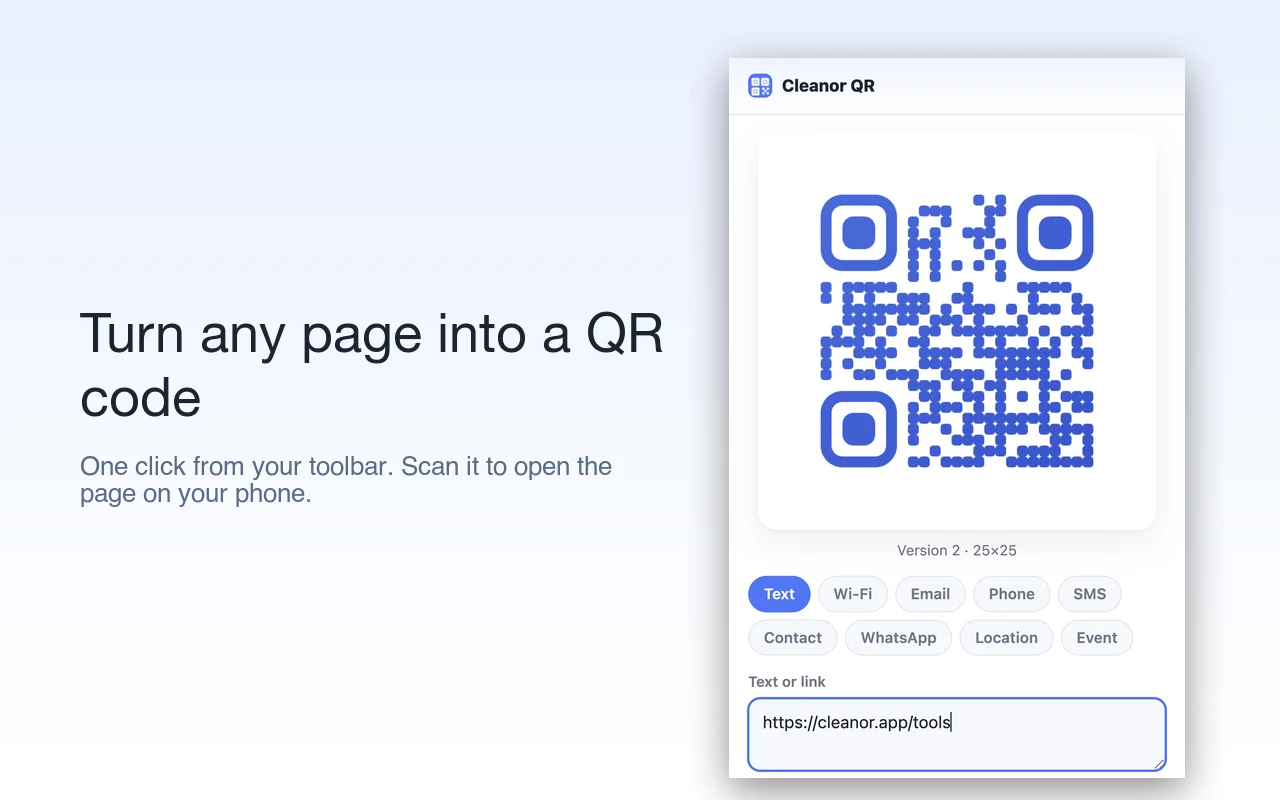
Click the toolbar icon (or press Alt+Shift+Q) and get a QR of the current tab. Scan it to open the same page on your phone — no retyping a long address.
Chrome extensions QR Code Generator
To make a QR code for your Wi-Fi, or for the page you are on, install this extension and click it. The code is generated on your device, so the network password never leaves your computer, and the code points straight at your link with no redirect through anybody's tracker.
Make a QR code for the page you are on, a link, your Wi-Fi, a contact card, an event, a location, or a short message — right from your toolbar. Style it, add a logo, then download, print, or copy. Everything runs on your device, nothing is uploaded.
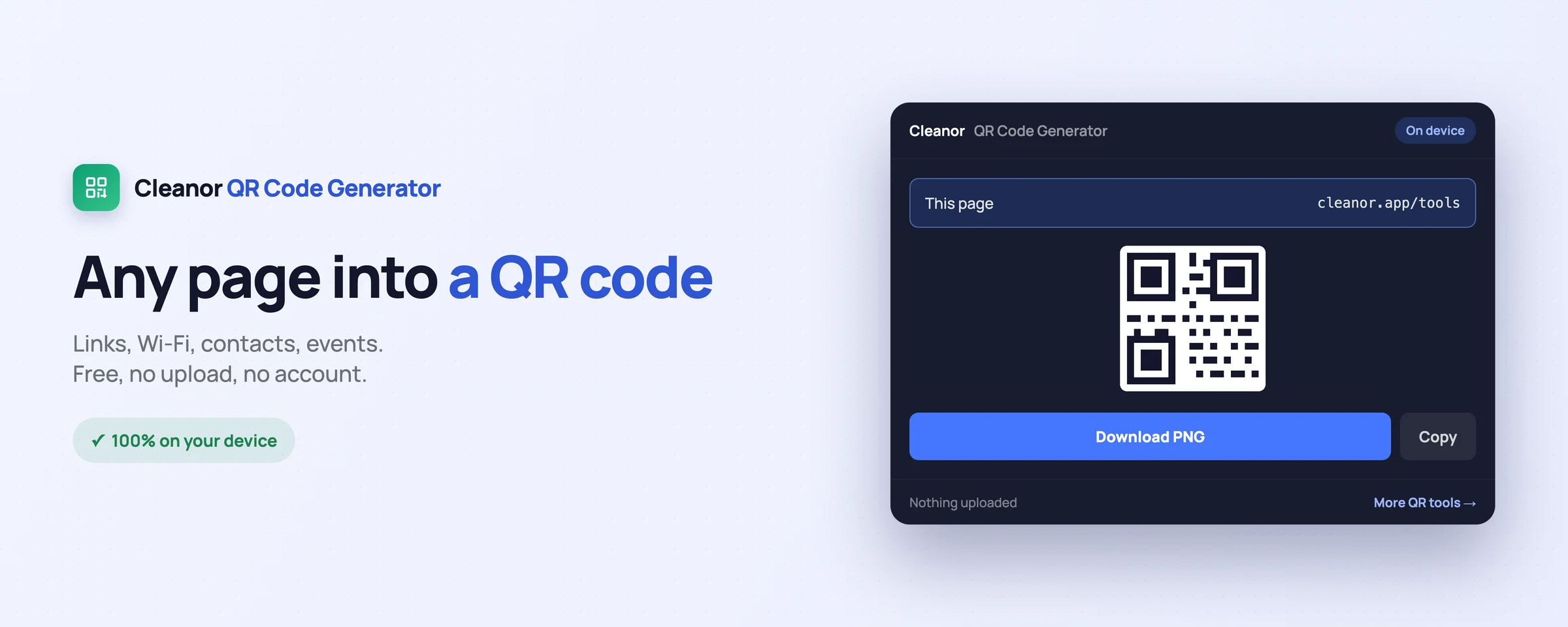
Everything you would juggle across websites, done locally in a couple of clicks.
Click the toolbar icon (or press Alt+Shift+Q) and get a QR of the current tab. Scan it to open the same page on your phone — no retyping a long address.
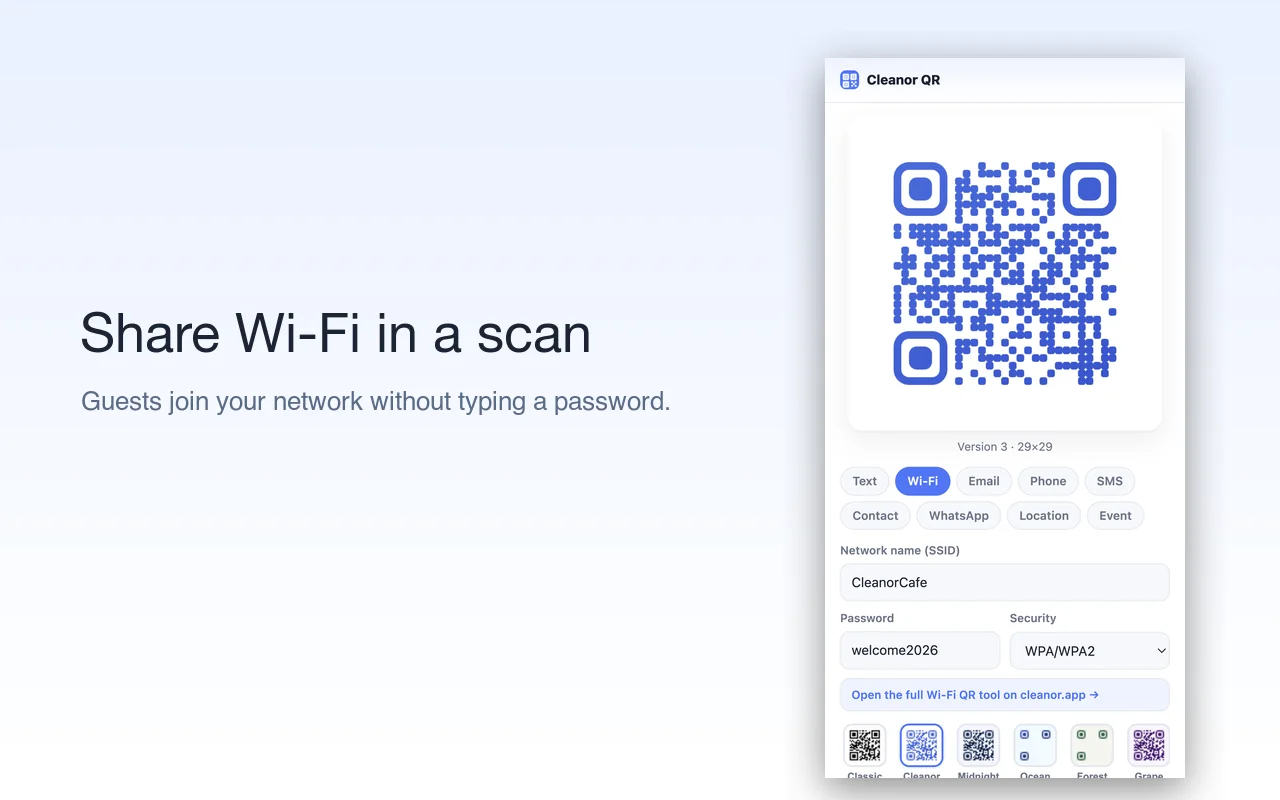
Enter your network and password and share a code guests scan to join, with no password typed by hand. Ideal for a café, an office, or a rental.
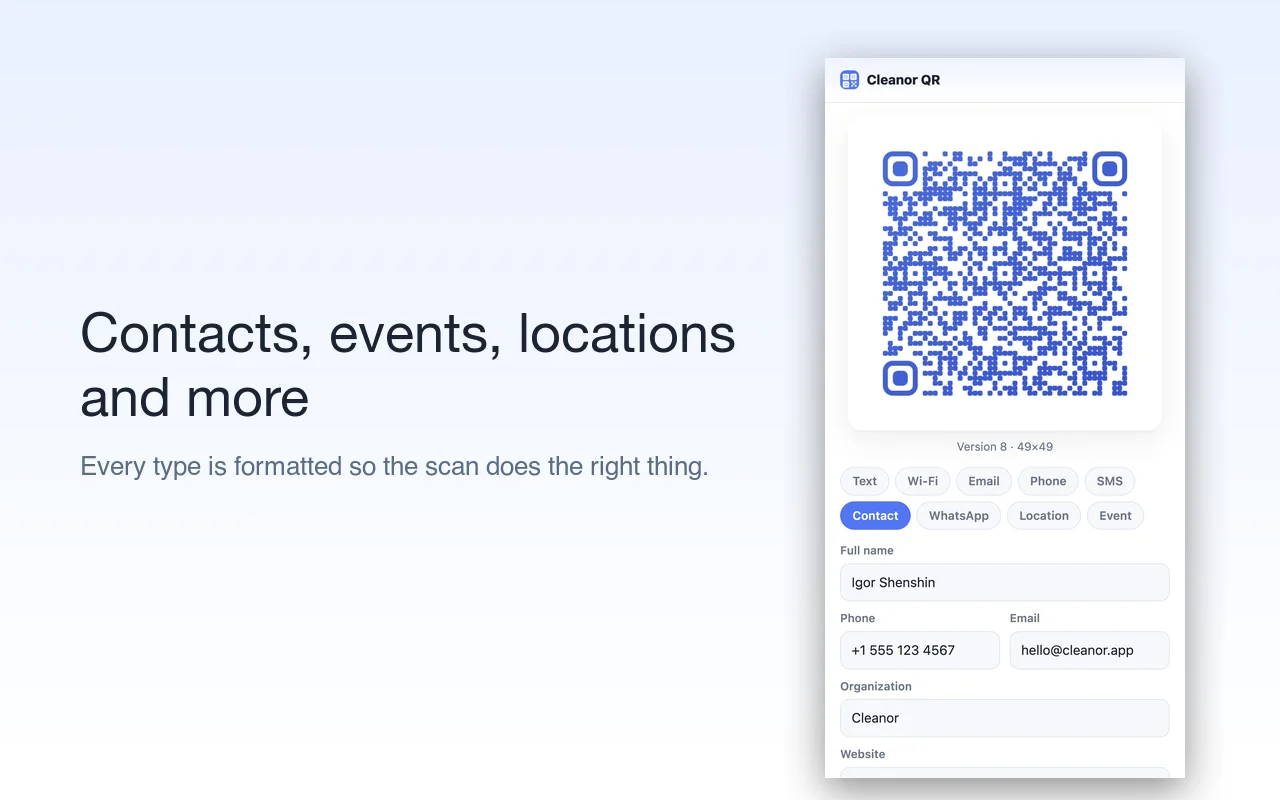
Nine content types — Text, Wi-Fi, Email, Phone, SMS, Contact (vCard), WhatsApp, Location and Event — each formatted so the scan does the right thing.
Right-click a link, a text selection, or the page to make a code for exactly that, without opening the popup first.
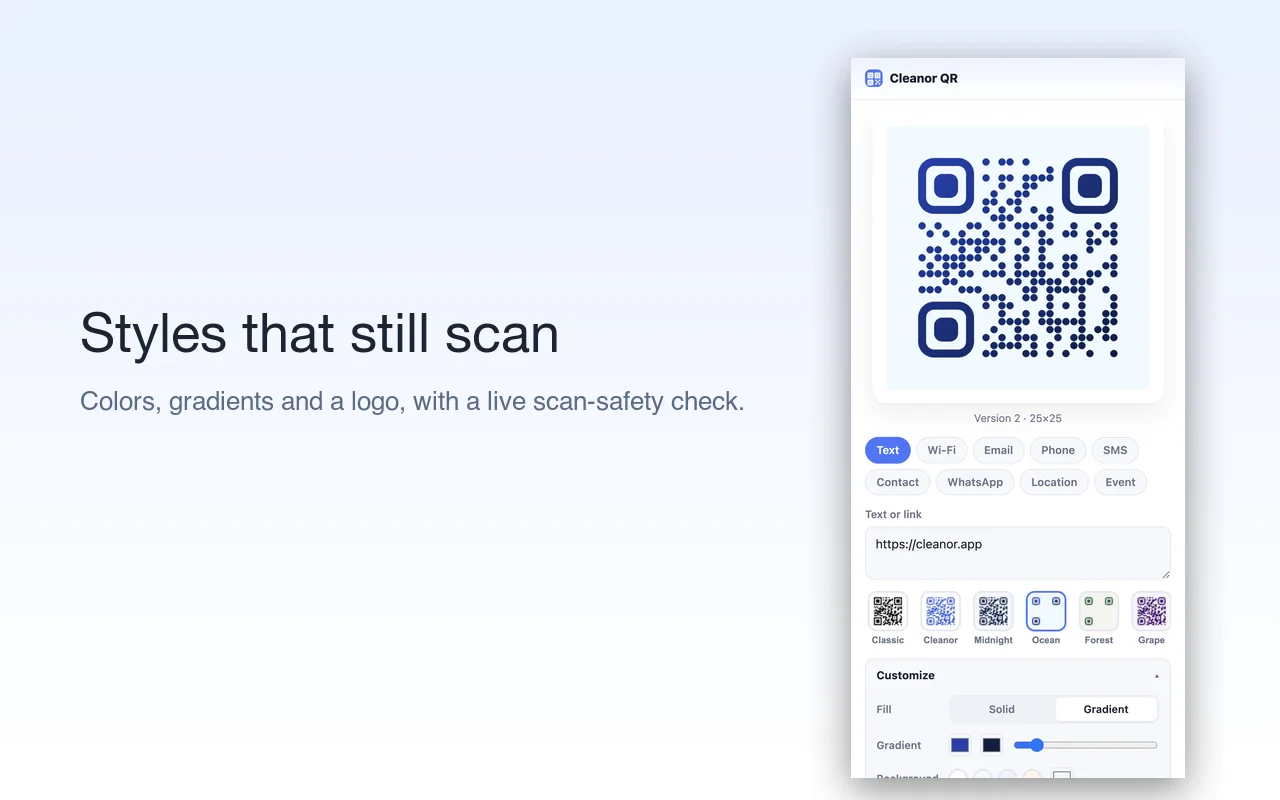
One-click templates, solid or gradient colors, module and eye styles, and a logo in the middle — with a live scan-safety check that warns before a choice would be hard to scan.
Export a crisp PNG or a vector SVG, copy to the clipboard, or print a centered, sharp code with a caption — great for flyers, packaging, and signage.
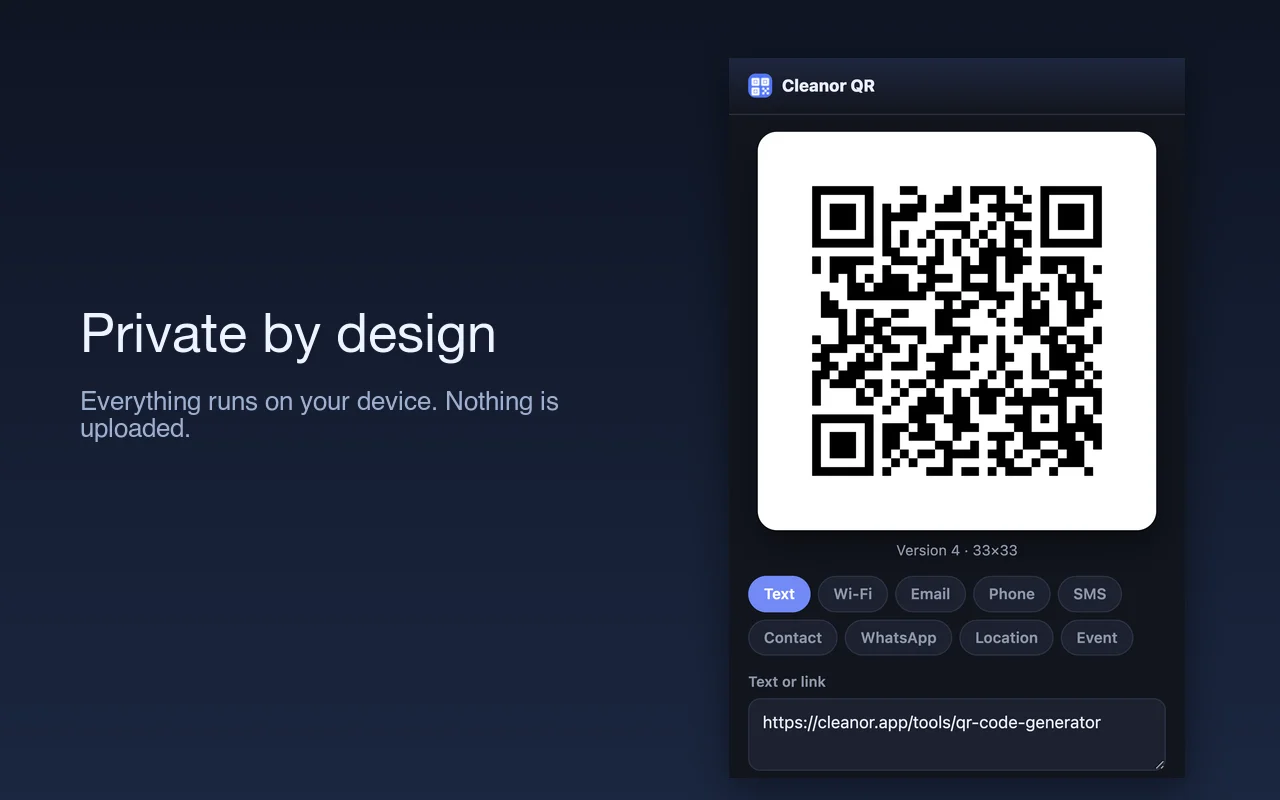
The QR is generated locally by a bundled encoder, so it works offline and never sends what you type to a server. No account, no ads, no tracking.
Prefer to work on another device? The exact same generator is free at cleanor.app/tools/qr-code-generator.
Swipe, or scroll sideways. Every shot is the real interface, not a mock-up.
No onboarding, no account. Install it and use it straight away.
Install Cleanor QR from the Chrome Web Store. No sign-up, and it asks for no site access at install.
Use the current page, right-click a link or selection, or choose a type — Wi-Fi, contact, event, and more — and fill it in.
Choose a template or your own colors and logo, then download PNG or SVG, copy, or print. All on your device.
The permissions are on the store listing too. They are here because a list you have to go and find is not transparency.
Not “we promise not to use it”. It is not in the manifest, so the browser would not give it to us if we changed our minds.
Every tool has an edge. Knowing where it is beats finding out halfway through a job.
This generates a QR code. It will not scan one from your screen or from an image.
A code made here points straight at your link. There is no redirect through us, which also means we cannot tell you how many people scanned it.
It will let you put one in the middle, and it warns you when the logo starts eating the error correction. Test the code before you print a thousand of them.
The QR encoder ships inside the extension and runs entirely on your device, so it works offline and nothing you type leaves your browser. It is free and open source.
No. Every code is built on your own device by a bundled encoder, and it works offline. Nothing you type is sent to a server.
Text or link, Wi-Fi, Email, Phone, SMS, Contact (vCard), WhatsApp, Location, and Event — each written in the correct scannable format.
It will as long as the contrast is good. A live check warns you when a choice is risky, and adding a logo raises error correction automatically.
Yes. The codes are static — the data lives inside the code itself — so they keep working with no account and nothing that can expire.
No. There is no sign-in, no subscription, and no ads.
Yes. The same generator is free at cleanor.app/tools/qr-code-generator.
Free and open source. Add Cleanor QR Code Generator to Chrome and try it in seconds.