A magnifier, not a guess
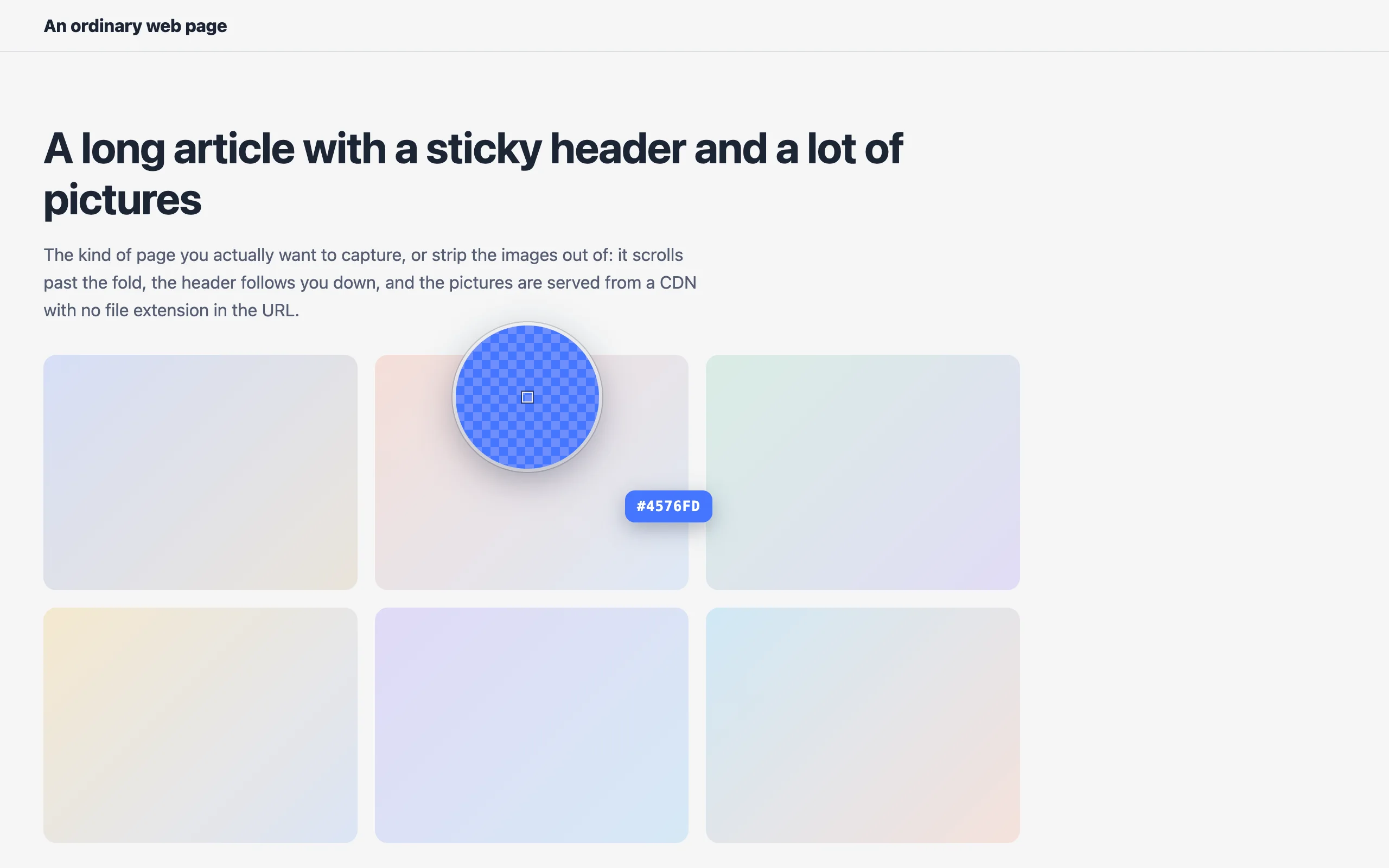
A loupe shows the pixel you are about to take, outlined in the middle at eight times its size. Picking a colour out of a photo, a gradient or a one-pixel border becomes aiming rather than luck.
Chrome extensions Color Picker
To pick a colour from a web page in Chrome, install this extension, click it, and point the magnified eyedropper at the pixel you want. It shows the exact pixel you are about to take, copies the colour as HEX, RGB or HSL, and can also pull the eight colours the page is actually built from. It reads your screen on your device and asks for no access to the sites you visit.
A magnified eyedropper for the web. Point it at any pixel, see exactly what you are about to take, and copy it as HEX, RGB or HSL. One click also gives you the eight colours the page is really built from. Everything runs on your device.
This one is not in the Chrome Web Store yet: it is written, packaged and open source, and the listing is on its way. Build it from the source in the meantime.
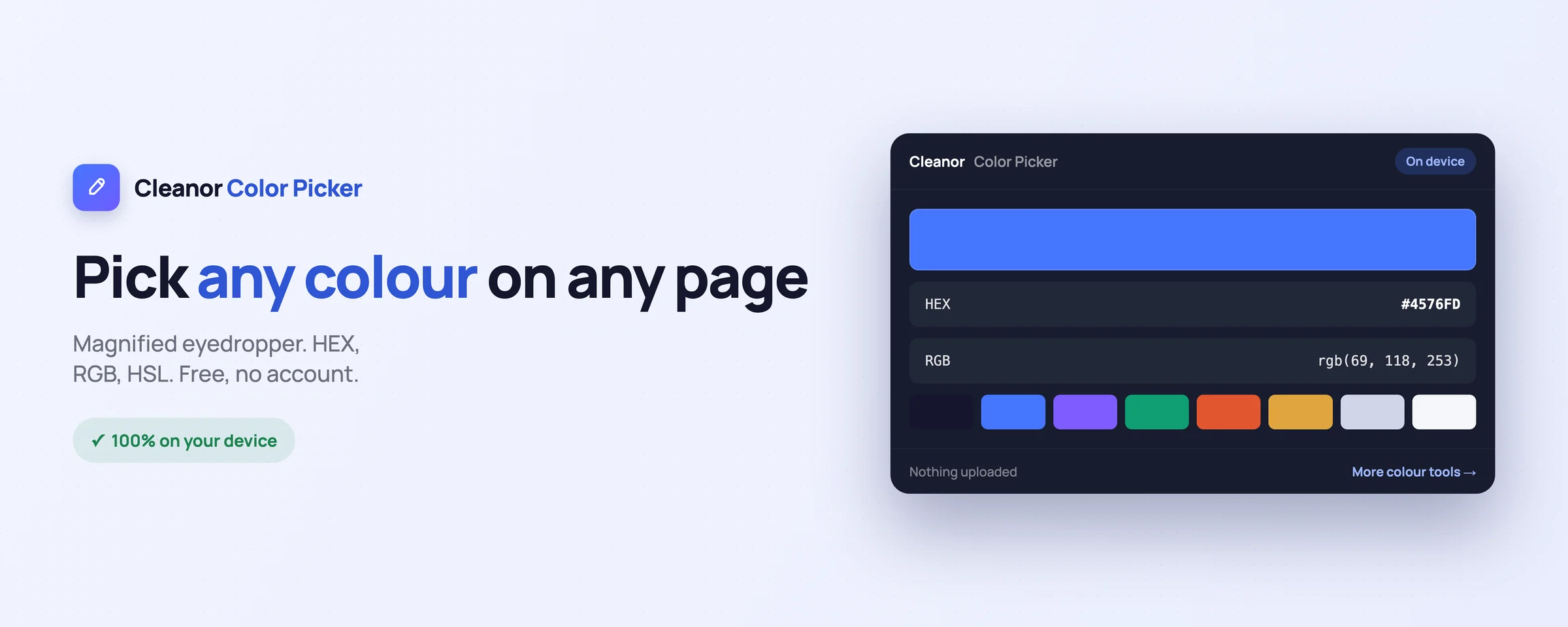
Everything you would juggle across websites, done locally in a couple of clicks.
A loupe shows the pixel you are about to take, outlined in the middle at eight times its size. Picking a colour out of a photo, a gradient or a one-pixel border becomes aiming rather than luck.
One click gives you the eight colours the page is actually built from, read from the page as it renders rather than from its stylesheet. That is the difference between what a site declares and what it really shows you.
HEX, RGB and HSL, each one a button that copies it. The last 24 colours you picked are kept, so the one you liked twenty minutes ago is still there.
There is no "read your data on all websites" in this extension, because it does not need it. It can read a page only in the moment you point the picker at it.
Right-click any page to pick a colour or grab its palette, use the toolbar button, or press Alt+Shift+P without touching the mouse.
The colour goes straight into the contrast checker, the palette generator, the shades generator and the format converter at cleanor.app, all of which also run on your device.
Swipe, or scroll sideways. Every shot is the real interface, not a mock-up.
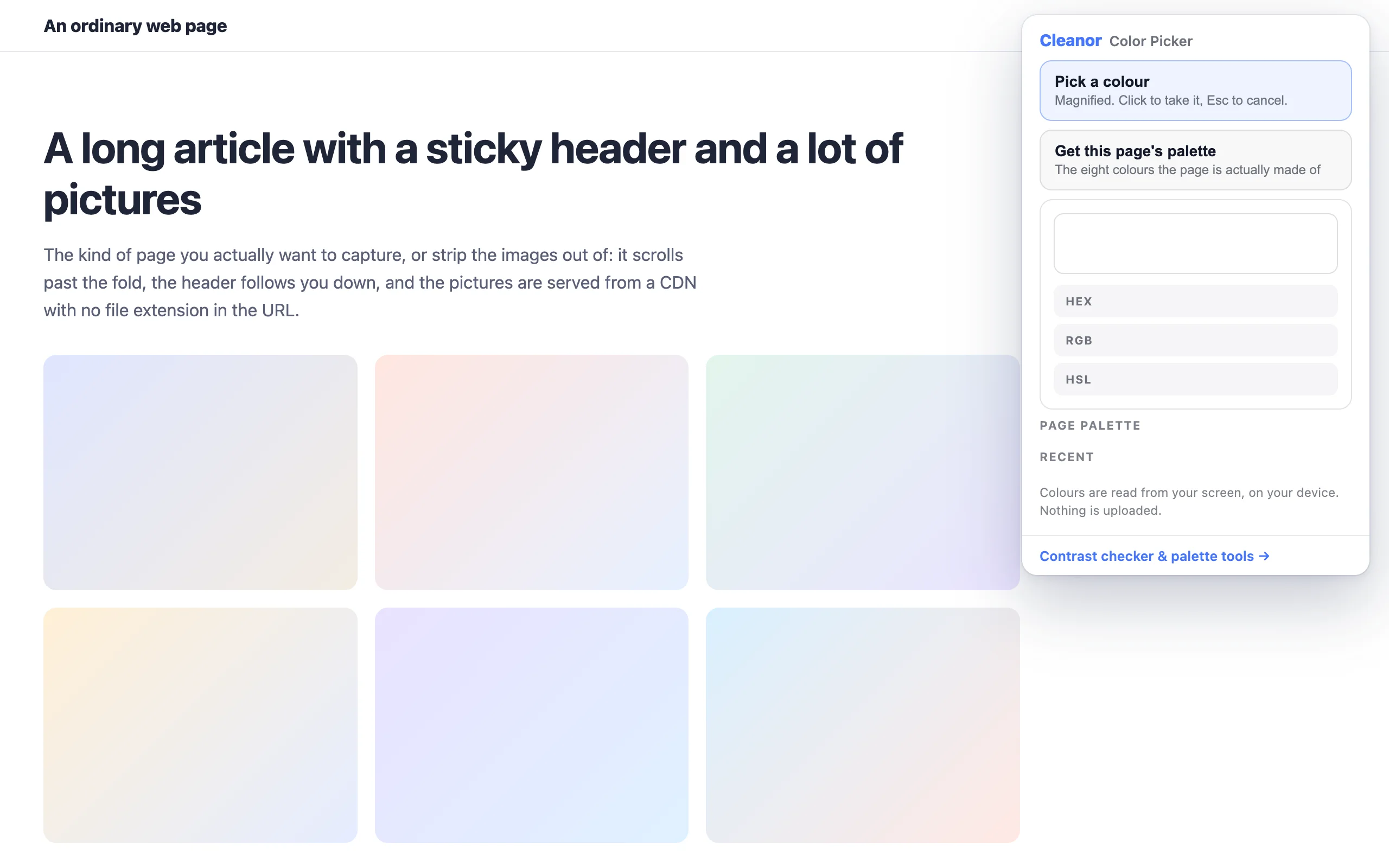
No onboarding, no account. Install it and use it straight away.
Install it from the Chrome Web Store. No sign-up, and it asks for no site access at install or afterwards.
Click the toolbar button, or press Alt+Shift+P. The magnifier shows exactly which pixel you are about to take.
HEX, RGB or HSL, whichever you want. The last 24 colours are kept for the next time you need one.
The permissions are on the store listing too. They are here because a list you have to go and find is not transparency.
Not “we promise not to use it”. It is not in the manifest, so the browser would not give it to us if we changed our minds.
Every tool has an edge. Knowing where it is beats finding out halfway through a job.
It takes the colour your screen is actually showing, after every gradient, filter and overlay the page applied. That is usually what you want, and it is not the same as the hex in the stylesheet.
Chrome lets an extension read a web page, not the browser UI, another extension, or your desktop. That is Chrome's rule, not ours.
It buckets what the page renders and returns the eight most common. It is a fast read of what a page is made of, not a designer telling you what the brand colours are.
The colour goes straight into the free contrast checker, palette generator and format converter at cleanor.app. Those run on your device too, so a colour you picked never has to leave it to be useful.
Install the extension, click it in the toolbar (or press Alt+Shift+P), and move the magnifier over the page. It shows the exact pixel you are about to take. Click to keep the colour, Esc to cancel. The code is copied as HEX, RGB or HSL with one more click.
Chrome ships an EyeDropper API, and it is a trap for this job. Called from a popup, Chrome closes the popup to show the eyedropper, which aborts it. And it offers no magnifier, so on a photo or a gradient you are picking a pixel you cannot actually see. This one captures the tab and lets you pick from a magnified view instead, which is also how it can give you the whole page palette.
No, and it never asks. It uses activeTab, which grants access to one page only at the moment you invoke the extension on it. Check the permissions on the store listing: there is no "read your data on all websites".
From the screen. It reads the pixel your browser actually rendered, after any gradient, filter, opacity or overlay. That is usually the colour you were pointing at, and it can differ from the value written in the stylesheet.
Yes. One click returns the eight colours the page is most made of, read from the rendered page rather than from its CSS.
Yes. No sign-up, no trial, no watermark, and no upsell inside the extension.
Color Picker & Eyedropper is with the Chrome Web Store reviewers. The source is already public, so you can read it, or load it unpacked today.