Every image, one archive
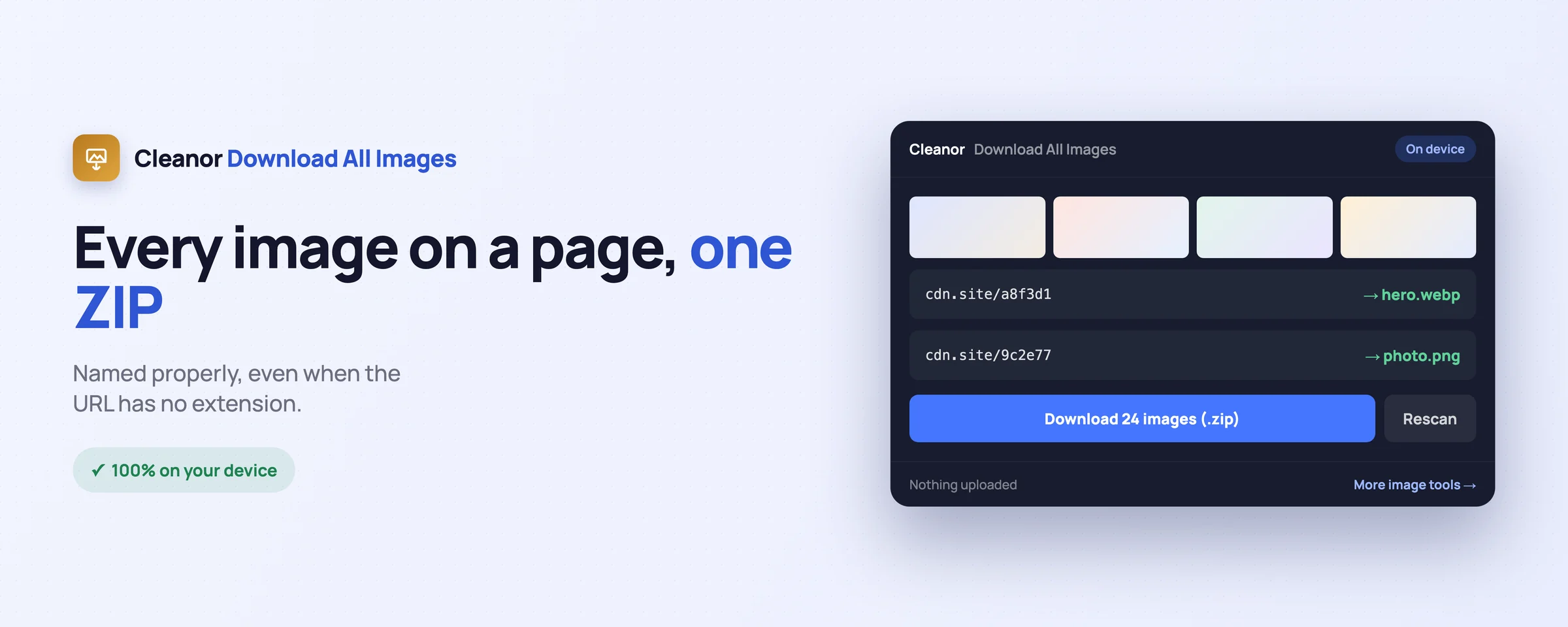
One click collects the images on the page, including the ones inside responsive picture elements, and packs them into a single ZIP named after the site.
Chrome extensions Download All Images
To download all images from a website, install this bulk image downloader, right-click the page, and choose Download all images. Every image is collected, named from its real file type rather than its URL, and handed back as a single ZIP. It runs on your device and nothing is uploaded.
Right-click the page, or press Alt+Shift+D. The images are collected, named properly, and handed back as a single ZIP. It runs on your device, and it asks for site access only if you want the archive rather than separate files.
Everything you would juggle across websites, done locally in a couple of clicks.
One click collects the images on the page, including the ones inside responsive picture elements, and packs them into a single ZIP named after the site.
Most image URLs on a modern site carry no file extension, which is why other downloaders leave a folder of files your computer cannot open. This one reads the content type, and failing that the image's own magic bytes, so a PNG arrives as a .png.
An error page served in place of a picture is not an image, and it is not saved as one. If the bytes do not identify a real image format, the file is dropped rather than written to your disk with a made-up name.
On a responsive srcset it takes the version your browser chose to display, not the smallest placeholder in the list, so you get the picture you were looking at.
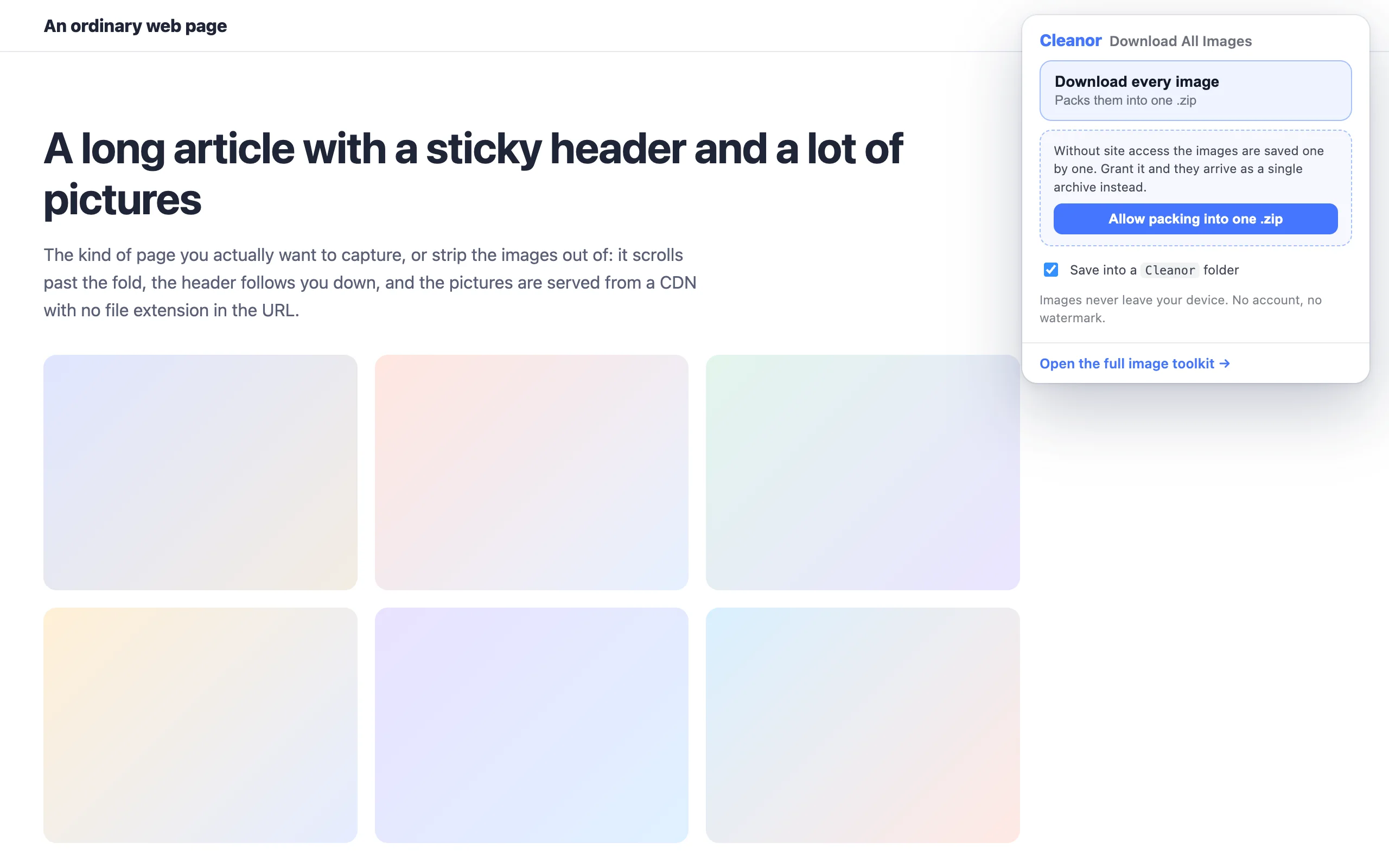
It works with no access at all: each image downloads straight from its address. To pack them into one archive it has to fetch them itself, so it asks, once, and tells you exactly what the permission buys. Say no and it still works.
The archive is built inside your browser. Nothing is uploaded, there is no server, no account, and no watermark.
Swipe, or scroll sideways. Every shot is the real interface, not a mock-up.
No onboarding, no account. Install it and use it straight away.
Install it from the Chrome Web Store. No sign-up, and no site access is requested at install.
Choose "Download all images on this page", press Alt+Shift+D, or use the toolbar button.
It is already in your downloads, named after the site, with the images inside named after themselves.
The permissions are on the store listing too. They are here because a list you have to go and find is not transparency.
Not “we promise not to use it”. It is not in the manifest, so the browser would not give it to us if we changed our minds.
Every tool has an edge. Knowing where it is beats finding out halfway through a job.
Past that the archive gets big enough that the browser stalls while writing it, so it falls back to downloading the images individually instead of freezing.
Images that only appear after you scroll are not in the page yet. Scroll first, then run it.
The original of a thumbnail, or an image behind a login the page did not load, is not on the page and not in the ZIP.
This started as one menu item buried inside the Cleanor image extension. It is now its own extension, so a tool that saves pictures asks only for what saving pictures needs.
Because they take the name from the URL, and most image URLs on a modern site have no file extension at all. Without an extension your operating system does not know what the file is. This extension reads the content type from the response, and if that is missing, the first bytes of the file itself, and names it accordingly.
Not to work. Without site access it downloads each image straight from its address, which works fine, it just leaves you with separate files. To fetch the images and pack them into one archive it does need access, so it asks once, and explains what the permission buys before it asks. You can say no.
No. The ZIP is built inside your browser and saved to your downloads. There is no server and no account.
Up to 100 per page, and up to about 45 MB in a single archive. Past that it falls back to downloading them individually, because a larger archive makes the browser stall while it writes the file rather than failing cleanly.
The one your browser actually loaded. On a responsive image with several sizes, that is the version being displayed to you, not the smallest entry in the list.
Yes. No watermark, no sign-up, no trial, and no upsell inside the extension.
Free and open source. Add Download All Images: Save Page Images to ZIP to Chrome and try it in seconds.