The full scrolling page
It scrolls the page one viewport at a time and stitches the result into a single image, re-measuring on every step so lazy-loading and infinite-scroll pages are handled instead of being cut off.
Chrome extensions Full Page Screenshot
To take a full page screenshot in Chrome, install this extension, click it, and choose Full page. It scrolls the whole webpage, stitches every viewport into one image, hides sticky headers so they do not repeat, and saves the result to your downloads. Nothing is uploaded and it asks for no access to the sites you visit.
Capture an entire scrolling page, the visible area, or a region you draw. Cleanor scrolls, stitches, and hides sticky headers so they do not repeat down your screenshot. Everything happens on your device, and the extension asks for no access to the sites you visit.
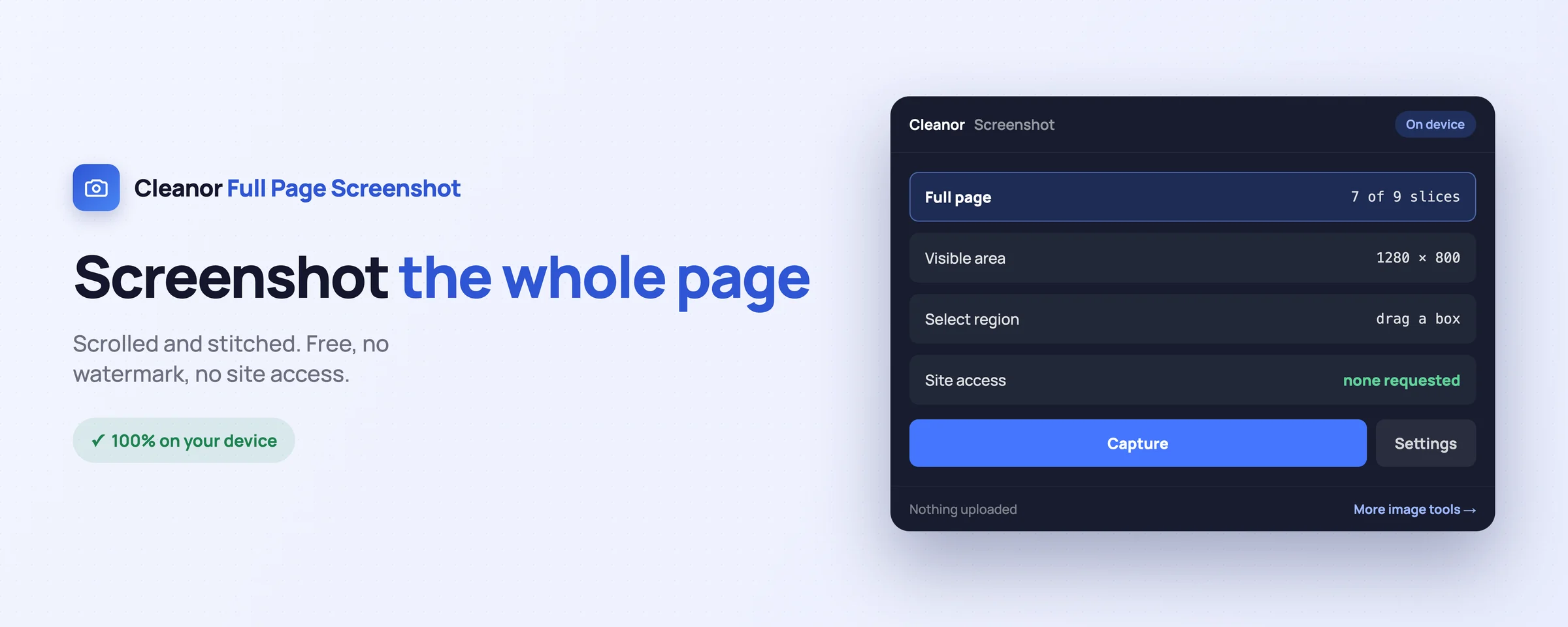
Everything you would juggle across websites, done locally in a couple of clicks.
It scrolls the page one viewport at a time and stitches the result into a single image, re-measuring on every step so lazy-loading and infinite-scroll pages are handled instead of being cut off.
Fixed and sticky bars are hidden while it captures, so the nav bar appears at the top of your screenshot rather than repeating every few hundred pixels down the middle of it.
Grab exactly what is on screen, or drag a box around a chart, a quote, or an error message. Esc cancels. The result lands straight in your downloads.
There is no "read your data on all websites" in this extension, because it does not need it. It can read a page only in the moment you tell it to capture that page, and not one second before.
Right-click any page for the three capture modes, use the toolbar button, or press Alt+Shift+S to grab the full page without touching the mouse.
Files are named for the site and the moment they were taken, so a folder of screenshots is still readable a month later. Small captures stay lossless PNG; very large ones are saved as JPEG so they write instantly.
Swipe, or scroll sideways. Every shot is the real interface, not a mock-up.
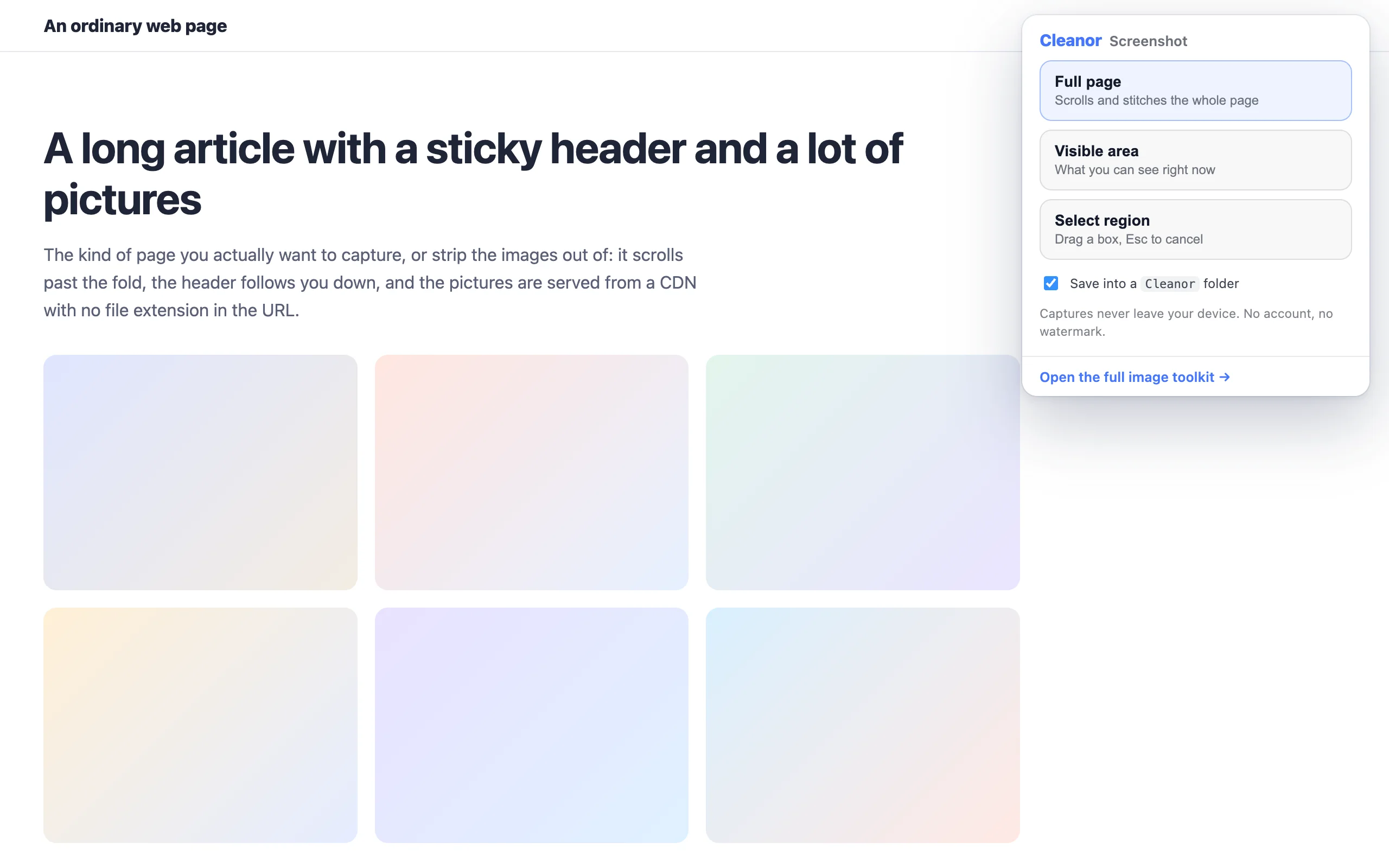
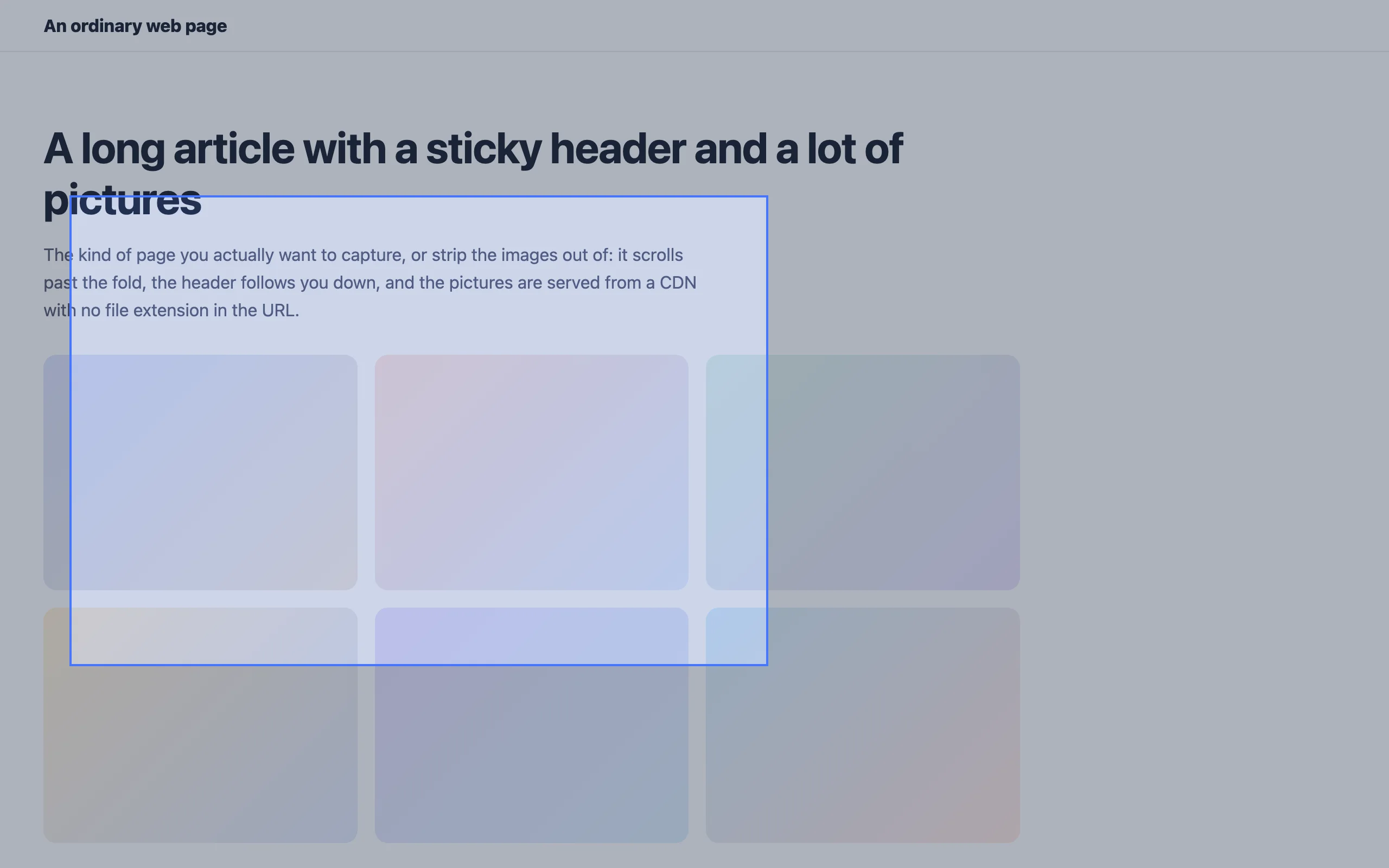
No onboarding, no account. Install it and use it straight away.
Install it from the Chrome Web Store. No sign-up, no setup, and it asks for no site access at install or afterwards.
Full page, visible area, or a region you draw. From the toolbar button, a right-click, or Alt+Shift+S.
No preview step, no editor to click through, no upload. The image is saved on your device the moment it is stitched.
The permissions are on the store listing too. They are here because a list you have to go and find is not transparency.
Not “we promise not to use it”. It is not in the manifest, so the browser would not give it to us if we changed our minds.
Every tool has an edge. Knowing where it is beats finding out halfway through a job.
An infinite feed never ends, so a full-page capture has to stop somewhere. It caps at 14 viewports, which is far past any real page and short of a Twitter timeline that would run until your memory did.
Above roughly 2.5 megapixels the result is saved as a high-quality JPEG, not a PNG. A lossless file that size takes so long to write that the browser appears to hang.
Extensions may photograph a web page, not the browser UI, the downloads bar, or another extension's popup. That is Chrome's rule, not ours.
This capture engine started life inside the Cleanor image extension. It is now its own extension, with its own permissions, so a tool that only needs to photograph a page never asks for anything more than that.
The whole page. It scrolls through the document and stitches every viewport into one image. It re-measures after each step, so pages that load more content as you scroll are captured rather than cut off at the first screen.
Because a sticky or fixed header stays on screen at every scroll position, so a naive stitch photographs it once per slice. This extension hides fixed and sticky elements while it captures, and restores them afterwards.
No, and it never asks for it. It uses the activeTab permission, which grants access to a single page only at the moment you invoke the extension on it. Check the permissions on the store listing: there is no "read your data on all websites".
No. The capture is stitched and encoded inside your browser and saved straight to your downloads folder. There is no server, no account, and no upload.
No. No watermark, no sign-up, no trial that expires, and no upsell inside the extension.
A full-page capture is often tens of megapixels, and a PNG that size becomes a file so large the browser stalls while writing it. Above roughly 2.5 megapixels the extension switches to a high-quality JPEG, which encodes in about a tenth of a second. Smaller captures stay lossless PNG.
Free and open source. Add Full Page Screenshot & Screen Capture to Chrome and try it in seconds.