Reverse a GIF
Play it backwards, frame by frame. The most-searched thing anyone wants to do to a GIF, and it takes one click.
Chrome extensions GIF Toolkit
To compress a GIF and reduce its file size, install this extension, drop the GIF in, and let it drop duplicate frames, cap the frame rate and cut the palette. It also reverses a GIF, changes its speed, and converts it to MP4, which is usually an order of magnitude smaller than the GIF. Everything runs on your device.
Reverse a GIF, cut its size, change its speed, or turn it into an MP4 and back, right from your toolbar. Everything runs on your device, so nothing is uploaded and nothing is watermarked.
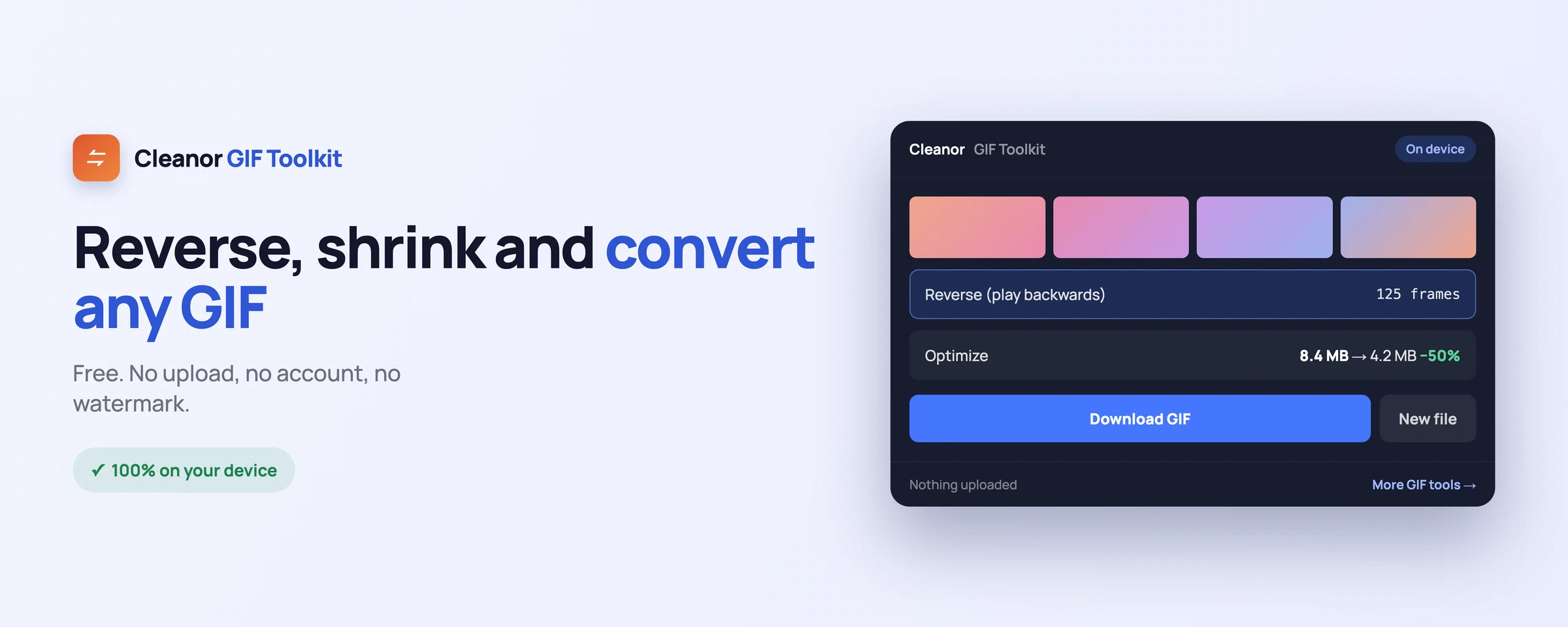
Everything you would juggle across websites, done locally in a couple of clicks.
Play it backwards, frame by frame. The most-searched thing anyone wants to do to a GIF, and it takes one click.
Cut the weight by dropping duplicate frames, capping the frame rate, and reducing the palette, without turning it into a smear.
Speed it up or slow it down by adjusting the frame delays, rather than re-encoding the whole thing badly.
A GIF is a terrible video format and a great meme format. Convert to MP4 when you want it small, and back to GIF when you need it to autoplay anywhere.
Nothing is uploaded, there is no account, and there is no watermark on the result.
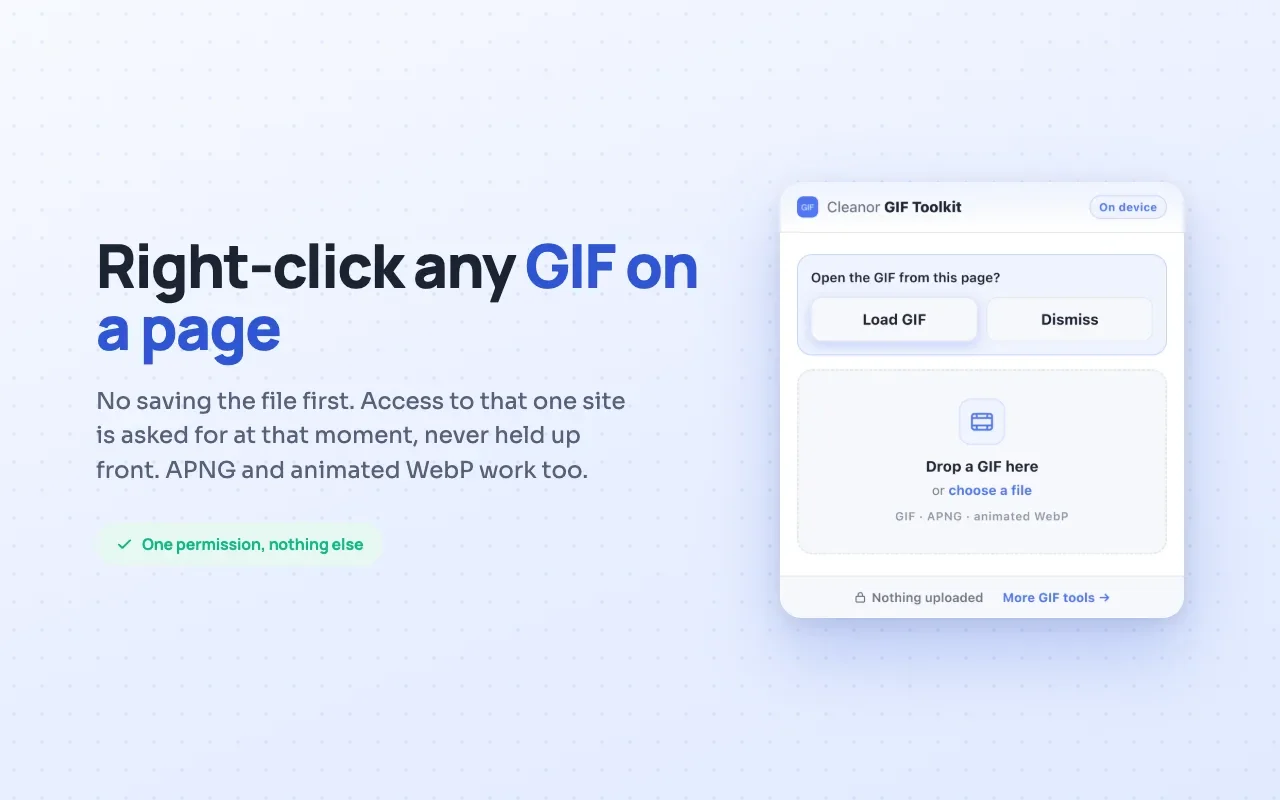
Grab a GIF straight off a page and work on it, without saving it first and finding it again in your downloads.
Swipe, or scroll sideways. Every shot is the real interface, not a mock-up.
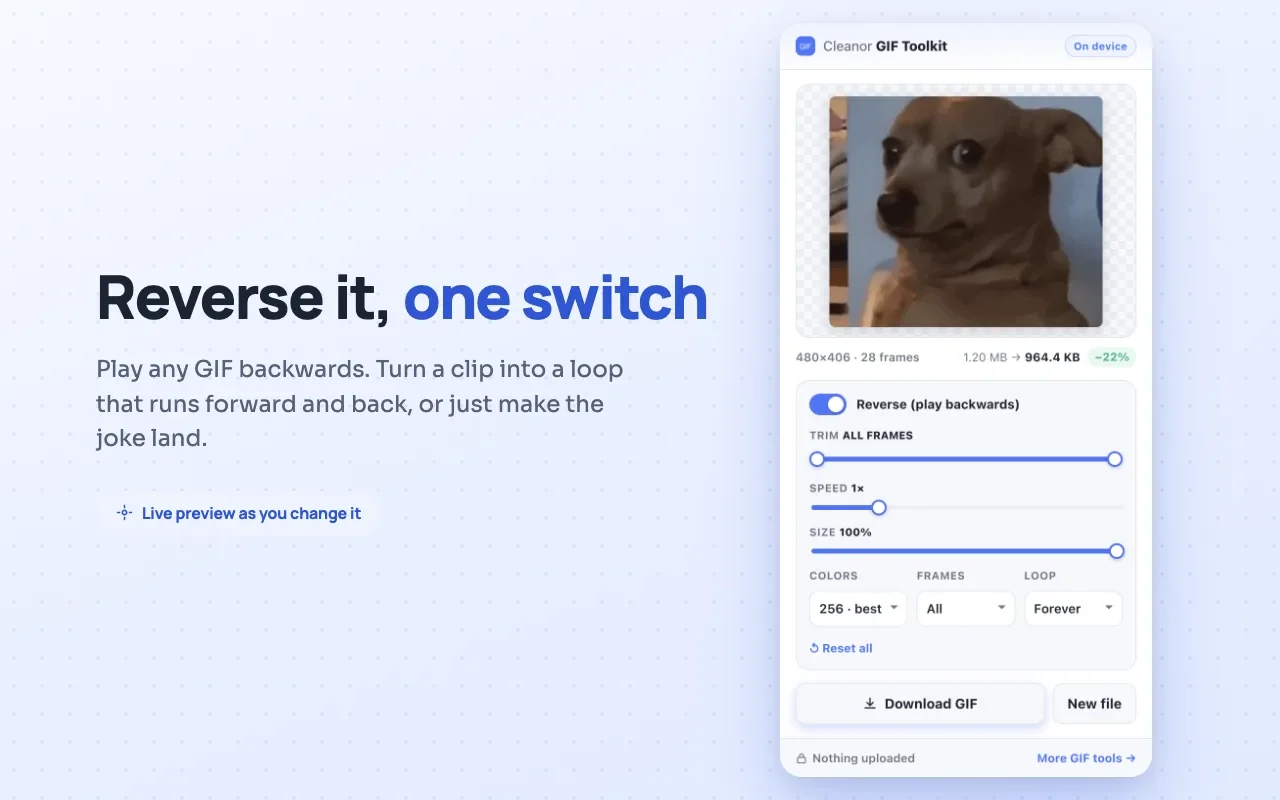
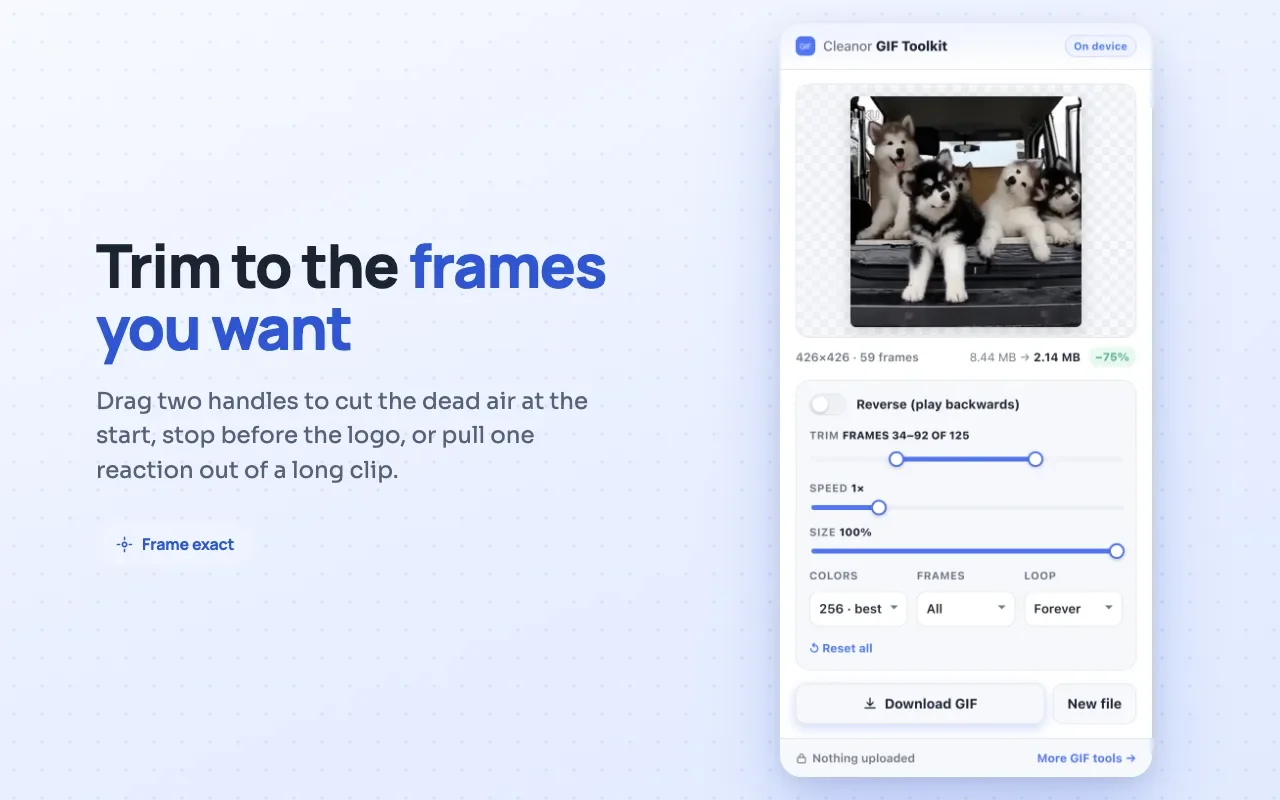
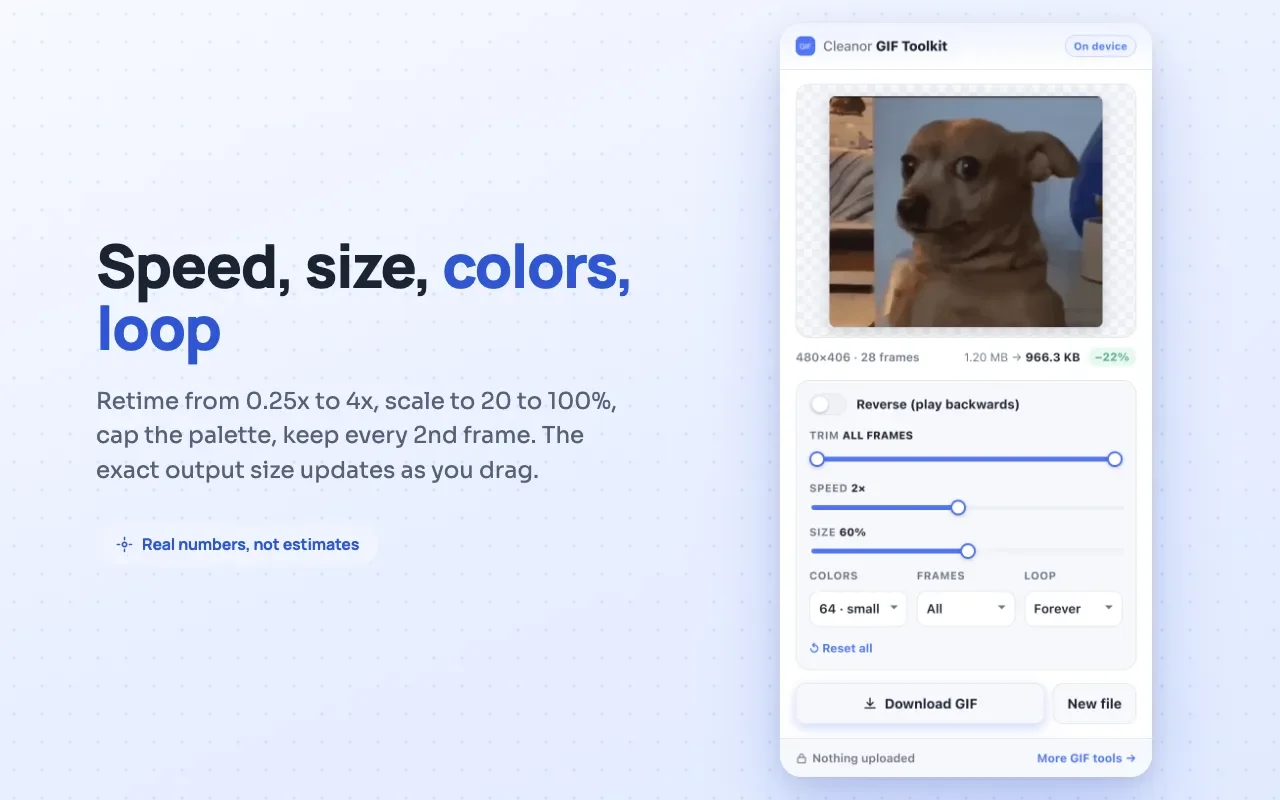
No onboarding, no account. Install it and use it straight away.
Install it from the Chrome Web Store. No sign-up and no setup.
Open the popup and drop a file, or right-click a GIF you found on a page.
Pick what you want done and save the result. All of it happens on your device.
The permissions are on the store listing too. They are here because a list you have to go and find is not transparency.
Not “we promise not to use it”. It is not in the manifest, so the browser would not give it to us if we changed our minds.
Every tool has an edge. Knowing where it is beats finding out halfway through a job.
There is a floor to how small a GIF can get, because it stores every frame separately with no compression between them. When a file has to be small, convert it to MP4 instead of fighting the format.
Cutting the palette is the biggest single saving and the first thing you will see go wrong. The tool tells you what it is trading away rather than quietly posterising your GIF.
Every frame is decoded in your tab. A 500-frame GIF at 1080p can exhaust what the browser gives a page, which is the cost of not uploading it anywhere.
The same GIF engine runs on cleanor.app as a browser tool. The extension is for when the GIF is already in front of you and you do not want to go looking for a website.
No. Every frame is decoded, changed, and re-encoded inside your browser. There is no server, no account, and no upload.
Because GIF stores every frame as its own image with its own palette, and has no real compression between frames. That is why a two-second clip can outweigh a photograph. Converting to MP4 usually cuts it by an order of magnitude.
Within limits. Dropping duplicate frames and capping the frame rate cost you almost nothing visually. Cutting the palette below about 64 colours is where a GIF starts to look posterised, so the tool tells you what it is trading away.
No. No watermark, no sign-up, no trial, and no upsell.
Free and open source. Add GIF Toolkit: Reverse, Optimize, Speed & Convert to Chrome and try it in seconds.