What size should a YouTube thumbnail be?
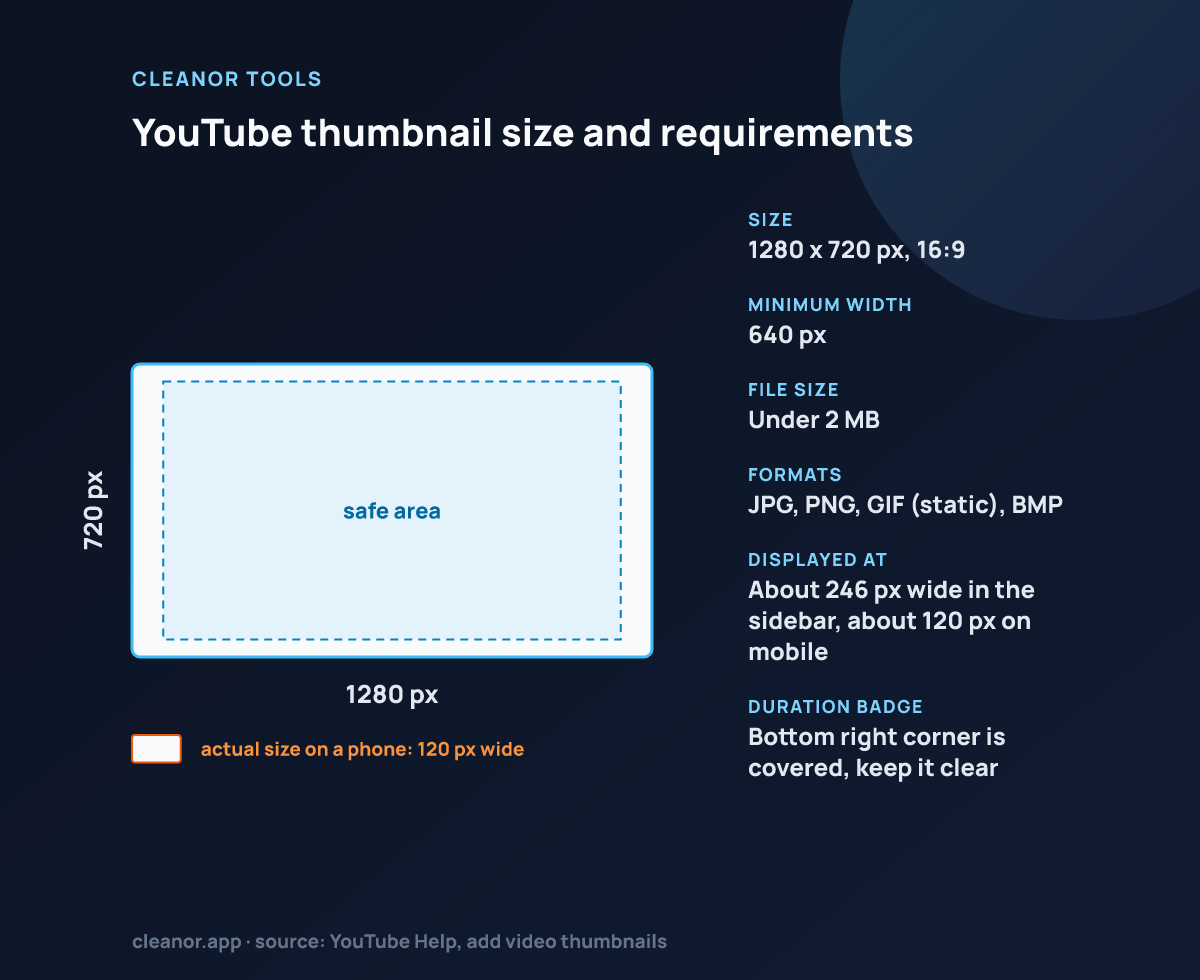
A standard YouTube thumbnail is 1280 × 720 pixels, which is the locked preset used on this page.
Can I keep the whole image visible?
Yes. Fit keeps the full image visible, while crop fills the entire thumbnail frame and may trim the edges.
Is this browser-only?
Yes. Upload, framing, and export all run locally in the browser without server-side image processing.
What are YouTube's actual thumbnail requirements?
1280 x 720 pixels recommended, 640 pixels wide as the hard minimum, a 16:9 ratio, under 2 MB, and JPG, PNG, GIF or BMP as the format. Custom thumbnails also need a verified channel.
Why does my thumbnail look busy in search but fine in the editor?
Because YouTube renders it at around 120 pixels wide in search rows and sidebars, roughly a tenth of the exported width. Anything smaller than about a tenth of the frame effectively disappears. Zoom in so one subject dominates.
Should I export JPG or PNG?
JPG for photographs and screenshots of video frames, because it comfortably fits the 2 MB cap. PNG only if the thumbnail is flat colour or hard-edged graphics where JPG banding would be visible.
Can I upload a WebP thumbnail to YouTube?
No. YouTube accepts JPG, PNG, GIF and BMP for custom thumbnails. The WebP option on this page is useful when the same image also has to go on a website, not for the thumbnail upload itself.
Does a bigger file mean a sharper thumbnail?
No. YouTube re-encodes and downscales every thumbnail into its own set of sizes, so once you are at 1280 x 720 with reasonable quality, extra pixels are discarded. Framing decides how it reads, not file size.